Integrations
Canada Post Integration
Connect Canada Post to Nventory for shipping rates and label generation.
Connecting Canada Post
Nventory integrates with Canada Post to provide shipping rates and label generation for Canadian shipments.
Prerequisites
- A Canada Post Solutions for Small Business account
- API credentials from the Canada Post Developer Program
Setup Steps
Navigate to Integrations
From your dashboard sidebar, click on Integrations and scroll to the Shipping section.
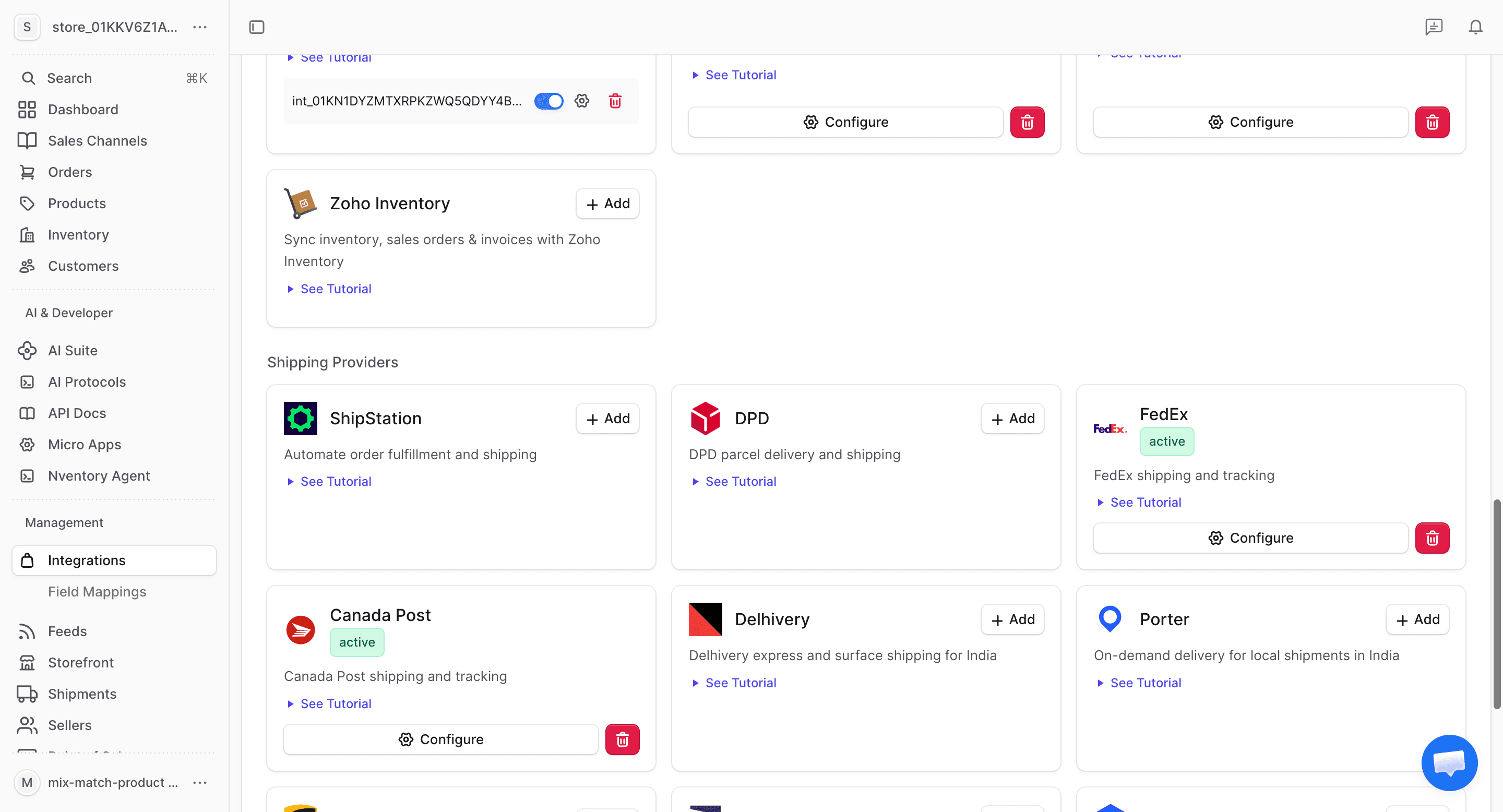
Click Add on Canada Post
Find the Canada Post card and click + Add to begin the setup.
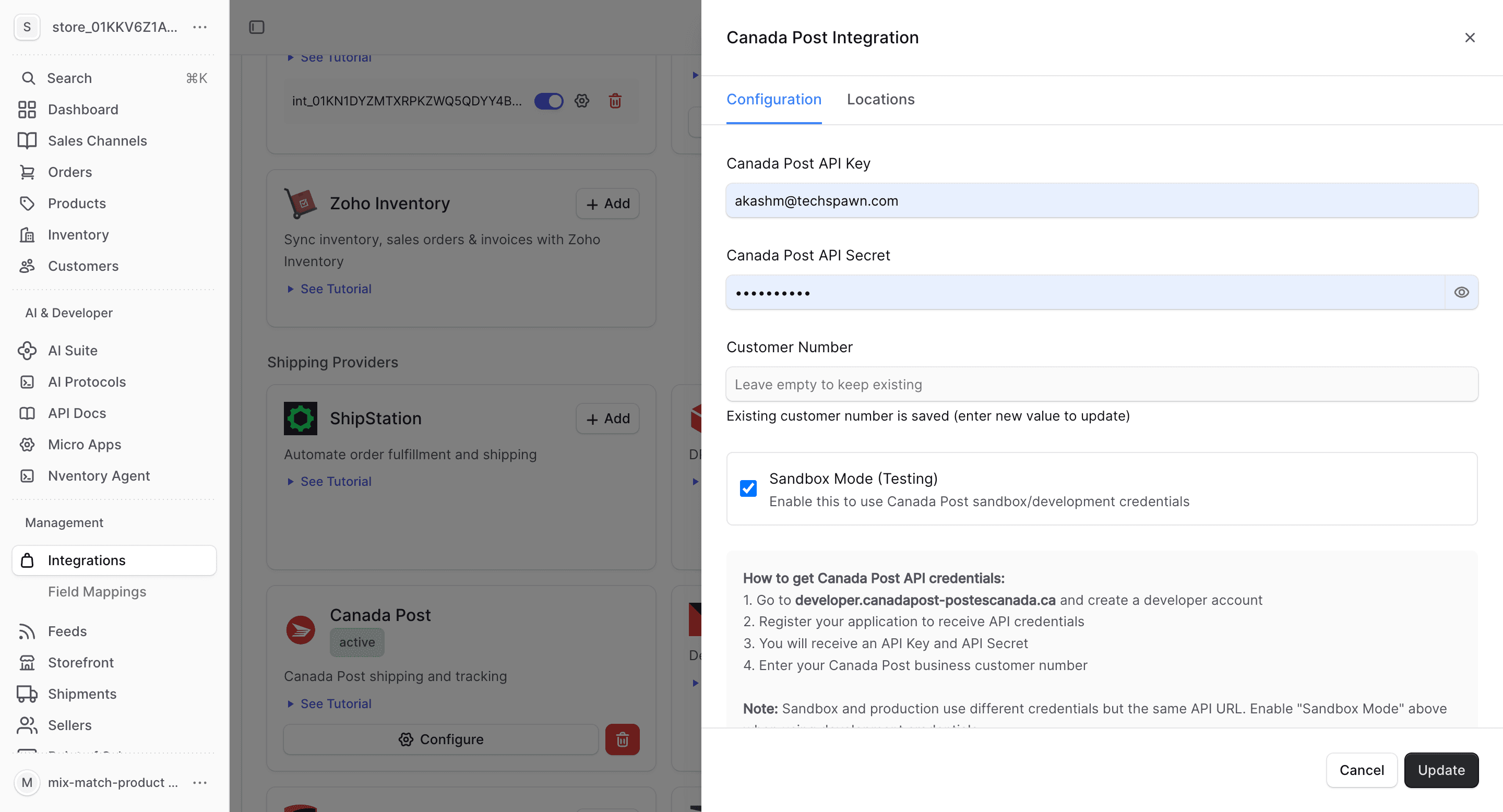
Enter Your Credentials
In the connection dialog, enter:
| Field | Description |
|---|---|
| API Key | Your Canada Post API key |
| API Secret | Your Canada Post API secret |
| Customer Number | Your Canada Post customer number |
| Environment | Sandbox or Production |
Click Save to connect.
What Canada Post Provides
| Feature | Supported |
|---|---|
| Real-time rates | Yes |
| Label generation | Yes |
| Tracking | Yes |
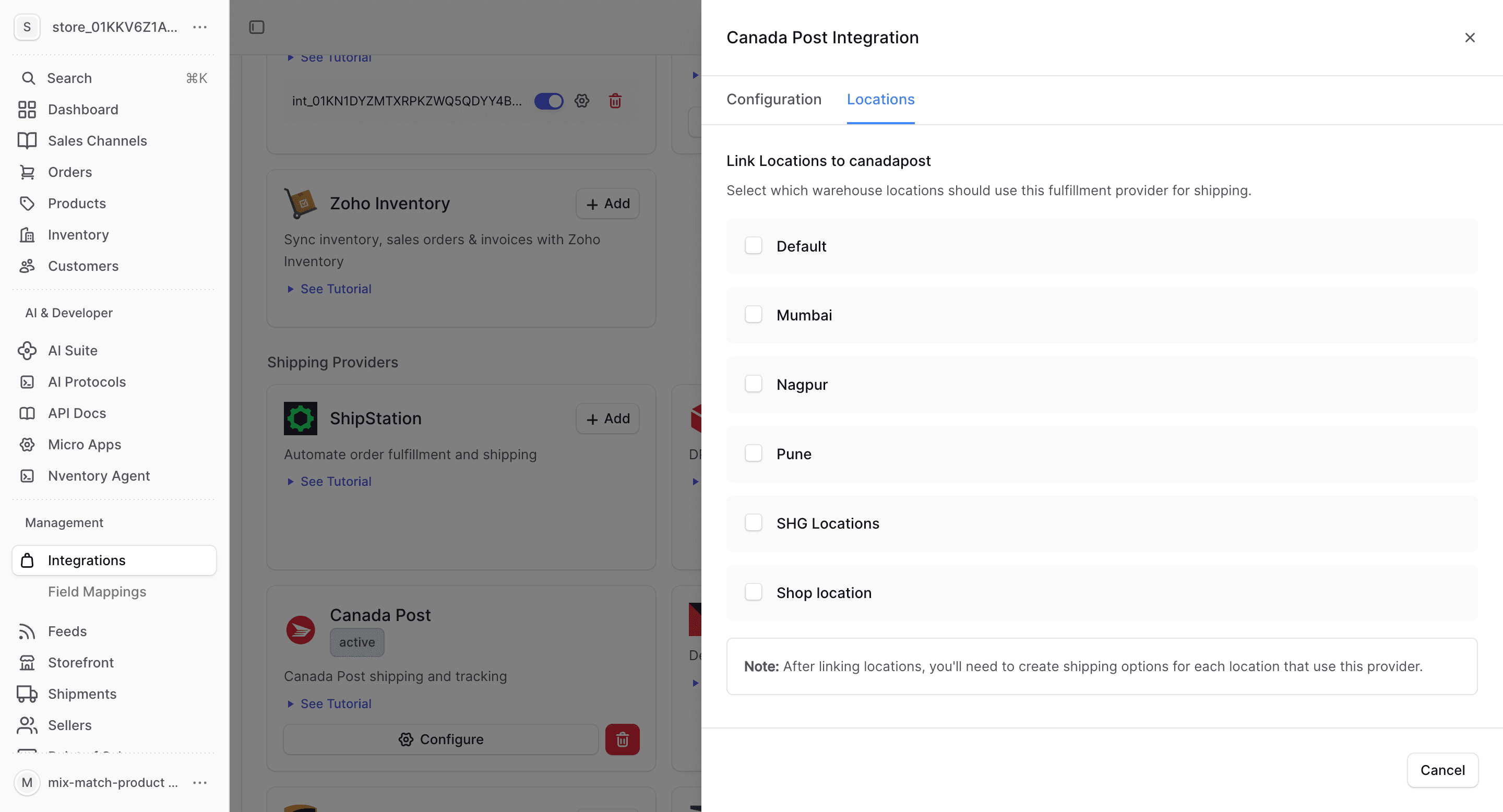
| Multi-location | Yes |
Canada Post-Specific Notes
- Supports domestic and international shipping
- Service types include Regular Parcel, Expedited, Priority, and Xpresspost
- Rates are calculated based on postal code, weight, and dimensions
- Ideal for Canadian businesses shipping within Canada and internationally