Integrations
Shiprocket Integration
Connect Shiprocket to Nventory for shipping aggregation across Indian carriers.
Connecting Shiprocket
Nventory integrates with Shiprocket — India's leading shipping aggregator — to provide access to multiple Indian courier partners through a single integration.
Prerequisites
- A Shiprocket account
- Your Shiprocket login credentials (email and password)
Setup Steps
Navigate to Integrations
From your dashboard sidebar, click on Integrations and scroll to the Shipping section.
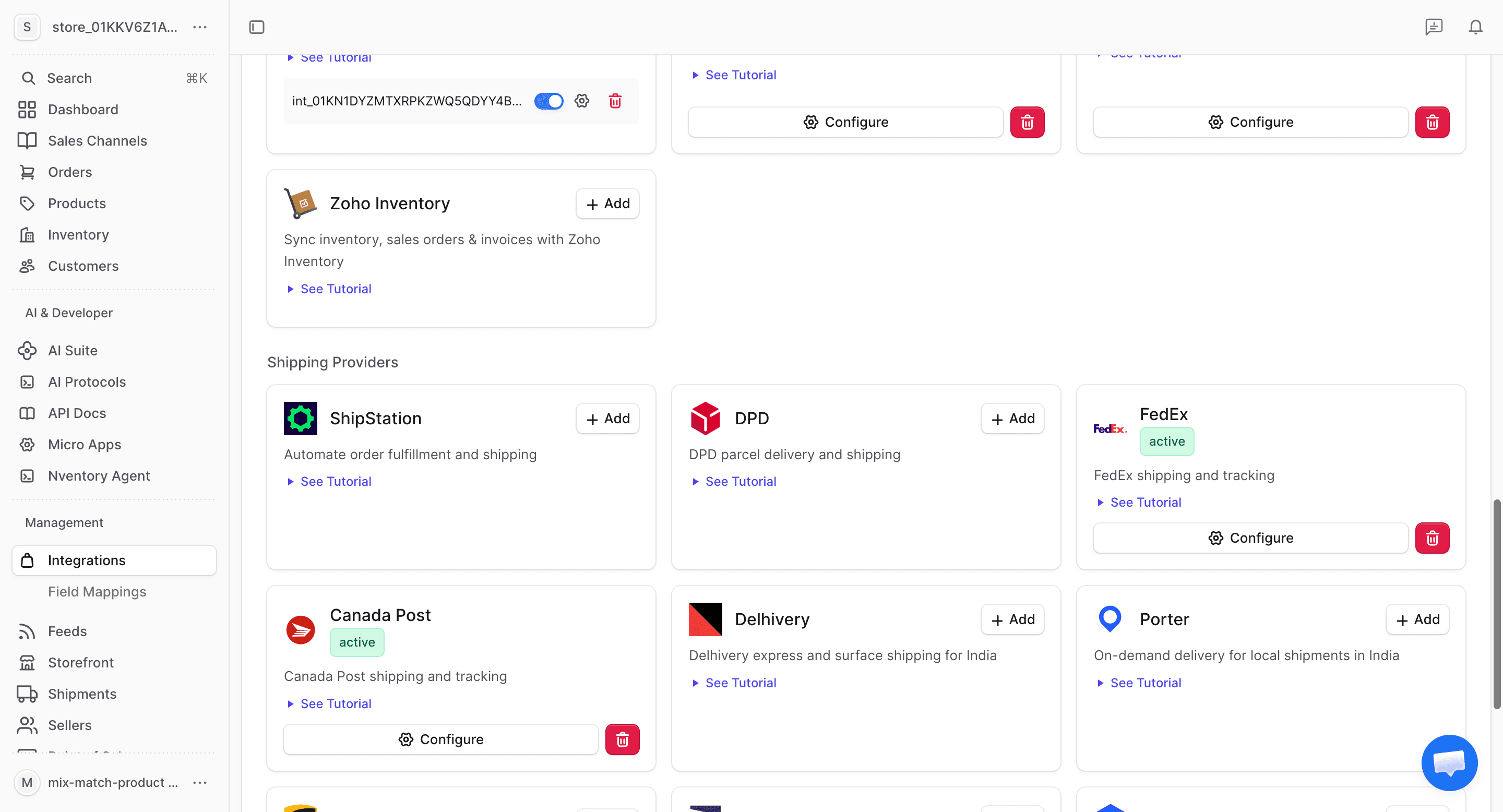
Click Add on Shiprocket
Find the Shiprocket card and click + Add to begin the setup.
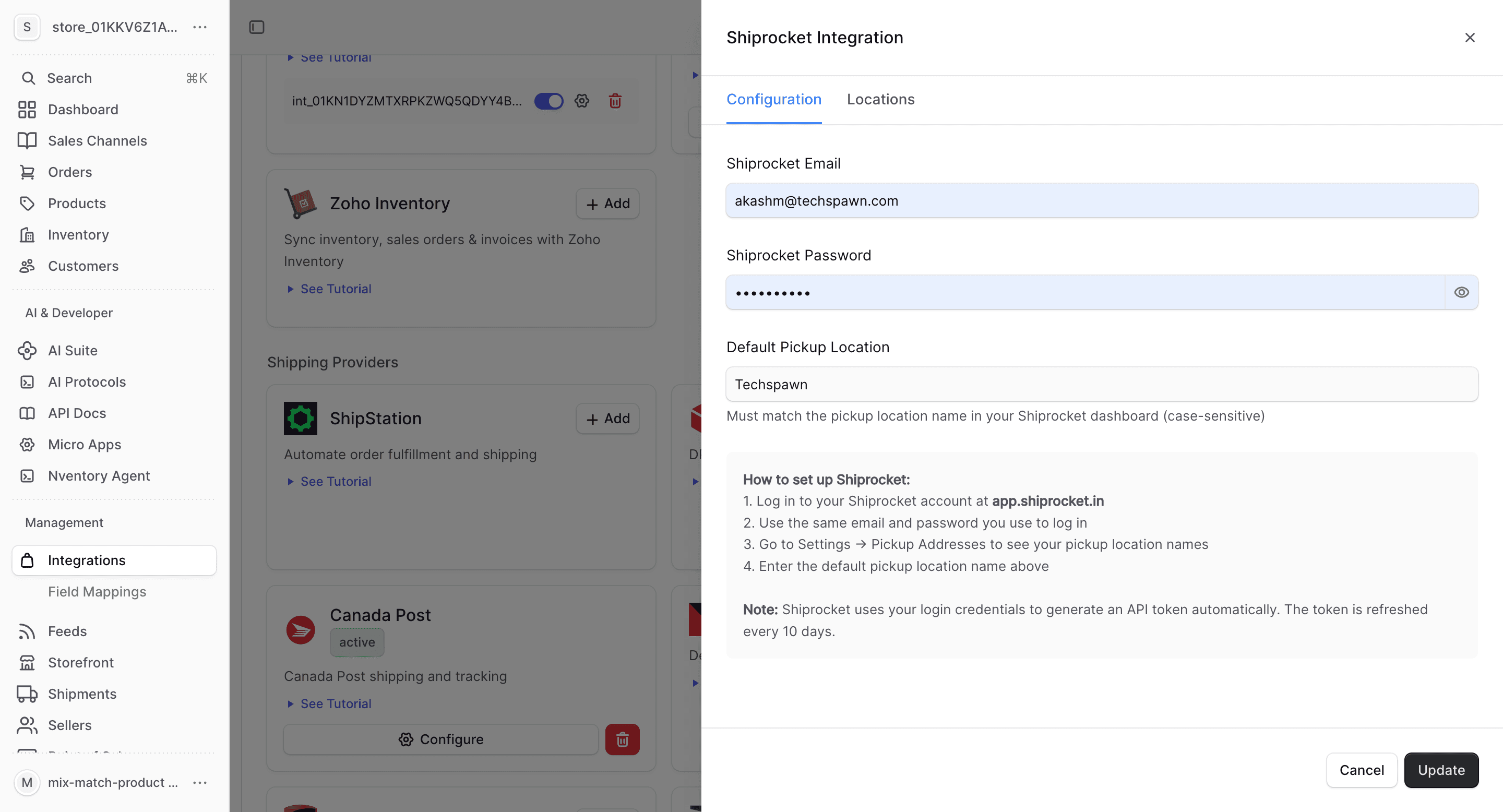
Enter Your Shiprocket Credentials
In the connection dialog, enter:
| Field | Description |
|---|---|
| Your Shiprocket account email | |
| Password | Your Shiprocket account password |
Click Save to connect.
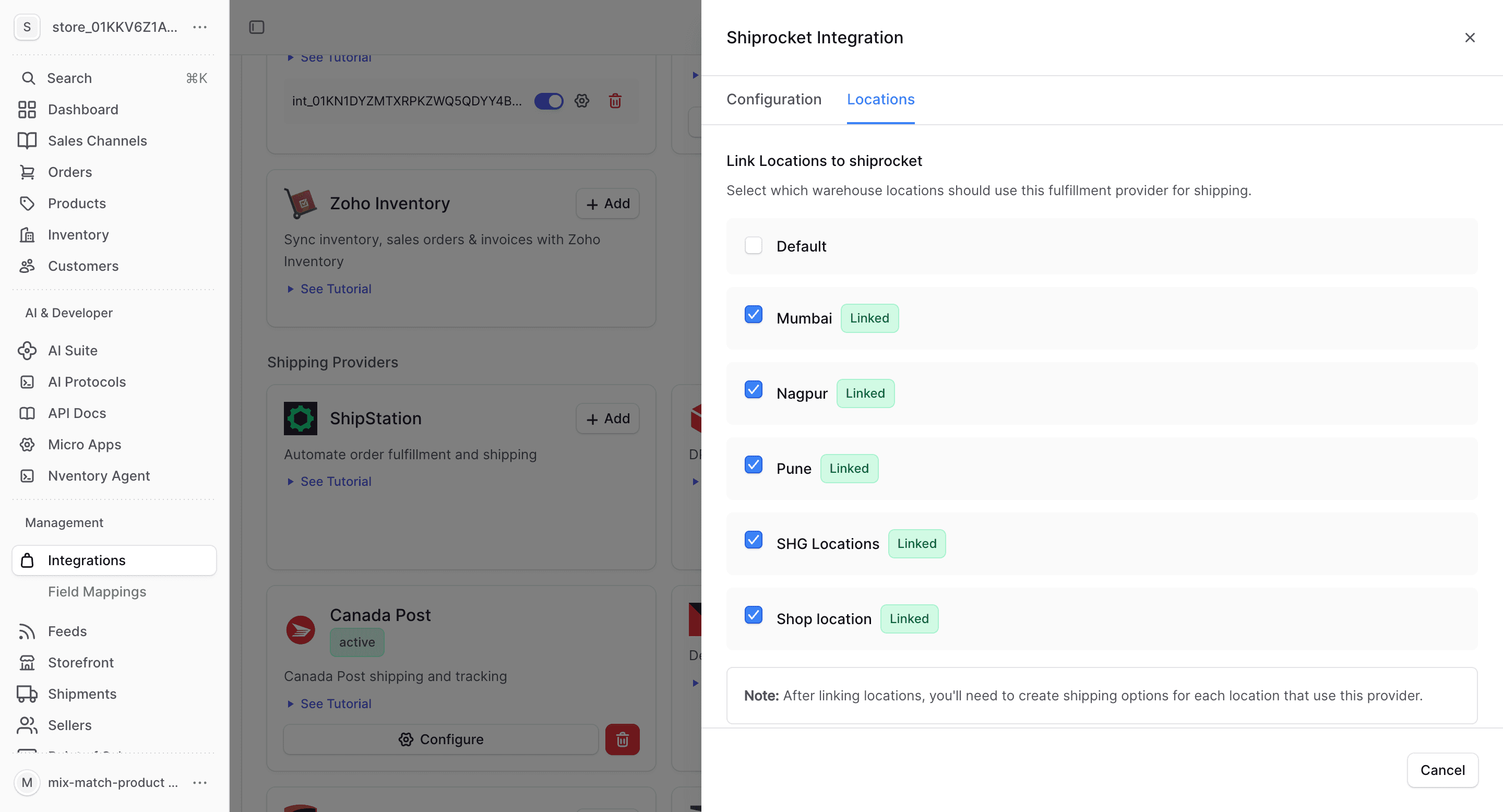
What Shiprocket Provides
| Feature | Supported |
|---|---|
| Real-time rates | Yes (across all carriers) |
| Label generation | Yes |
| Tracking | Yes |
| Multi-carrier | Yes (Delhivery, BlueDart, DTDC, etc.) |
Shiprocket aggregates rates from multiple Indian carriers, allowing you to choose the best rate for each shipment.
Shiprocket-Specific Notes
- Access to 25+ courier partners through a single integration
- Automatic courier recommendation based on delivery speed and cost
- COD (Cash on Delivery) support
- Pin code serviceability checks
- NDR (Non-Delivery Report) management
- Ideal for businesses shipping within India