Integrations
ShipStation Integration
Connect ShipStation to Nventory for multi-carrier shipping management.
Connecting ShipStation
Nventory integrates with ShipStation to provide multi-carrier shipping with discounted rates.
Prerequisites
- A ShipStation account
- API credentials from ShipStation settings
Setup Steps
Navigate to Integrations
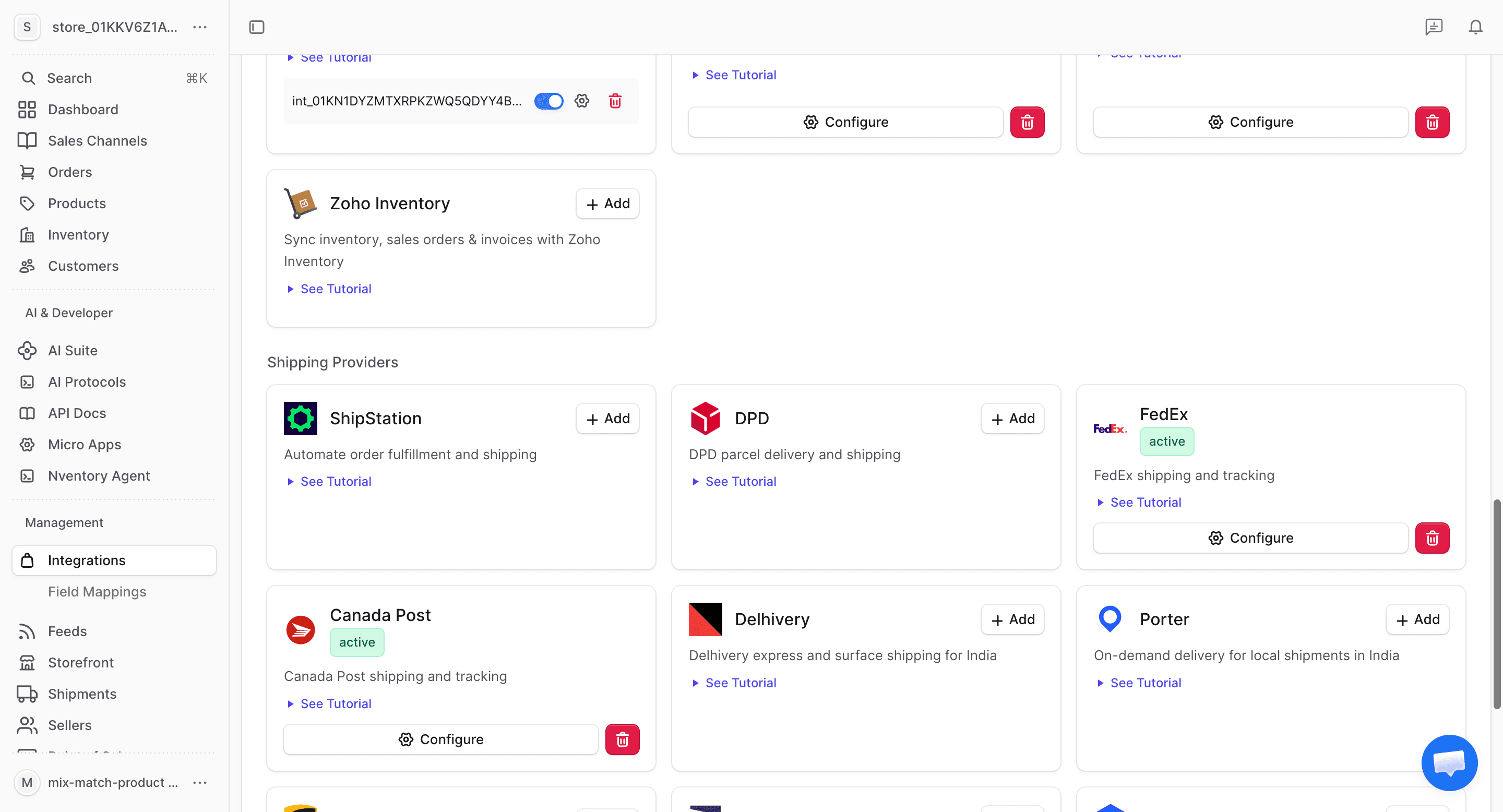
From your dashboard sidebar, click on Integrations and scroll to the Shipping section.
Generate API Credentials in ShipStation
In your ShipStation account:
- Go to Account Settings → API Settings
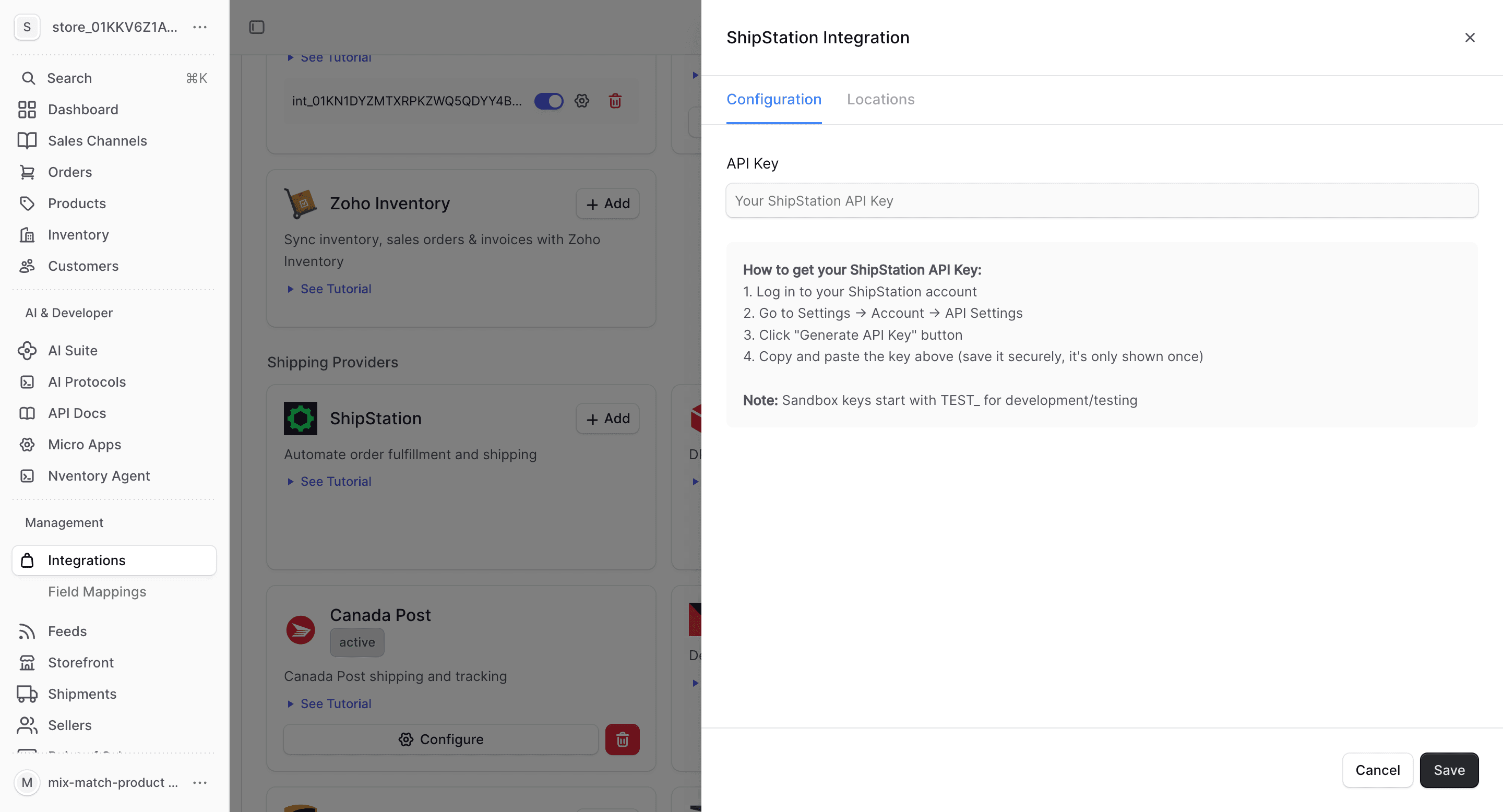
- Generate or copy your API Key and API Secret
Enter Your Credentials
In the Nventory connection dialog, enter your ShipStation API Key and API Secret. Click Save to connect.
Configure Locations
Assign ShipStation as a shipping provider for your Nventory stock locations.
What ShipStation Provides
| Feature | Supported |
|---|---|
| Real-time rates | Yes (multi-carrier) |
| Label generation | Yes |
| Tracking | Yes |
| Discounted rates | Yes |
ShipStation-Specific Notes
- Access to discounted USPS, UPS, FedEx, and DHL rates
- Batch label printing for high-volume shipping
- Automation rules for carrier and service selection
- International shipping with customs documentation