Google Shopping Integration
Connect your Google Merchant Center to Nventory for product feed management.
Connecting Google Shopping
Nventory connects to Google Shopping through your Google Merchant Center account, enabling you to manage your product feed directly from Nventory.
Prerequisites
- A Google Merchant Center account
- Products verified and claimed in Merchant Center
- A valid product feed URL or willingness to use Nventory's auto-generated feed
Setup Steps
Navigate to Integrations
From your dashboard sidebar, click on Integrations to see all available platforms.
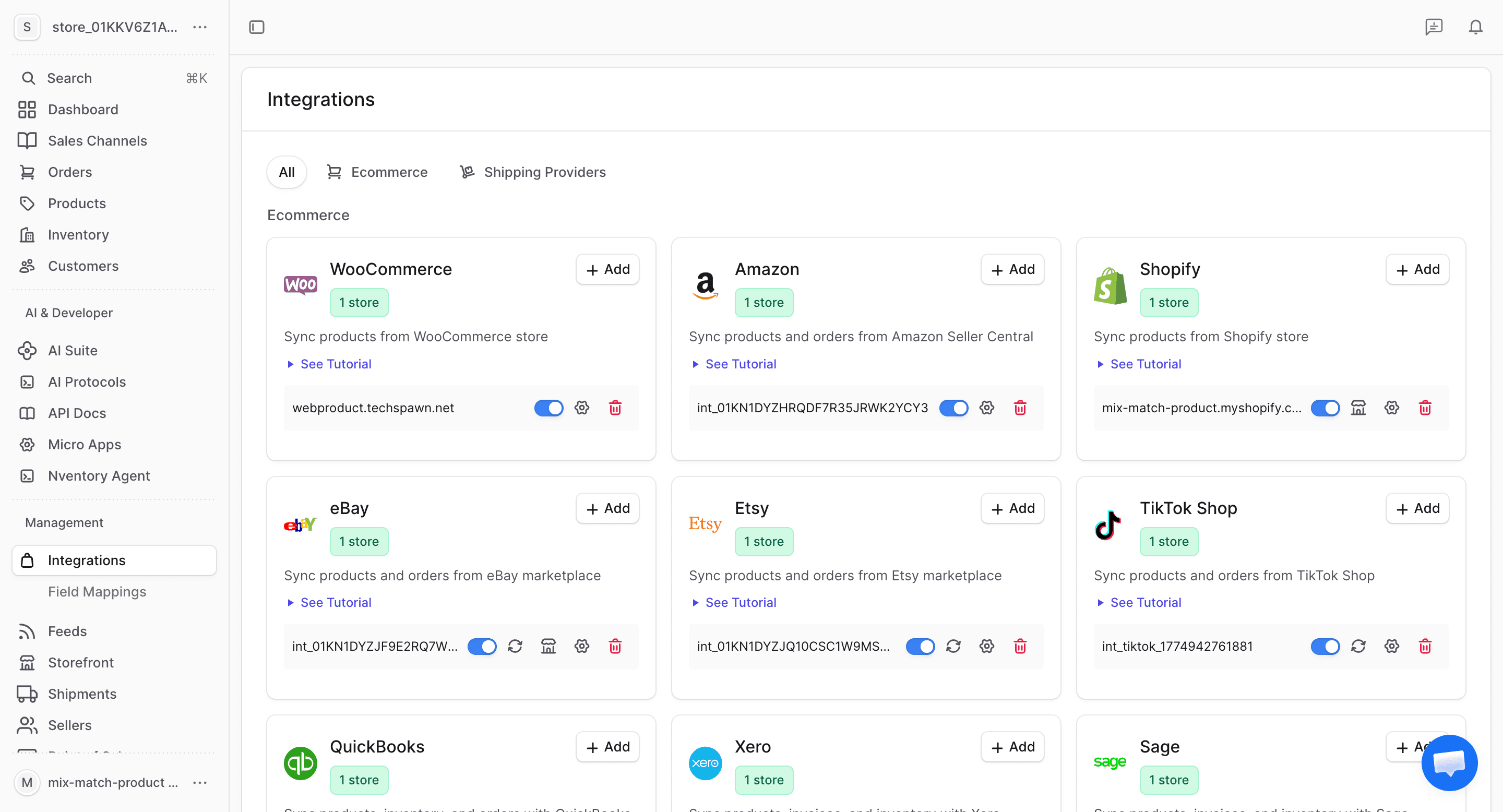
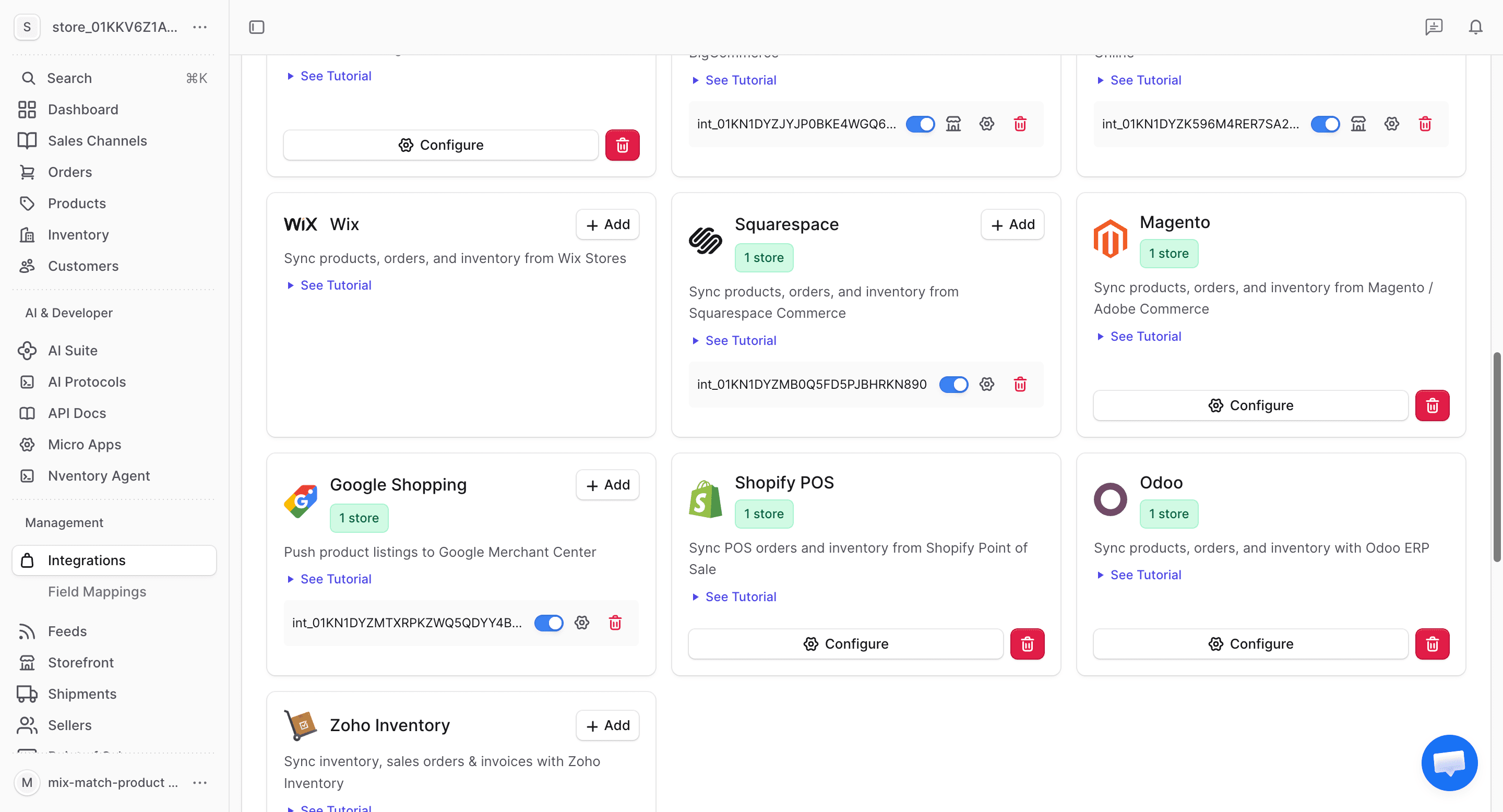
Click Add on Google Shopping
Find the Google Shopping card in the available integrations and click + Add to begin.
Enter Your Merchant Center Details
In the connection dialog, enter:
| Field | Description |
|---|---|
| Merchant Center ID | Your Google Merchant Center ID |
| Feed URL | Product feed URL (or use Nventory's auto-generated feed) |
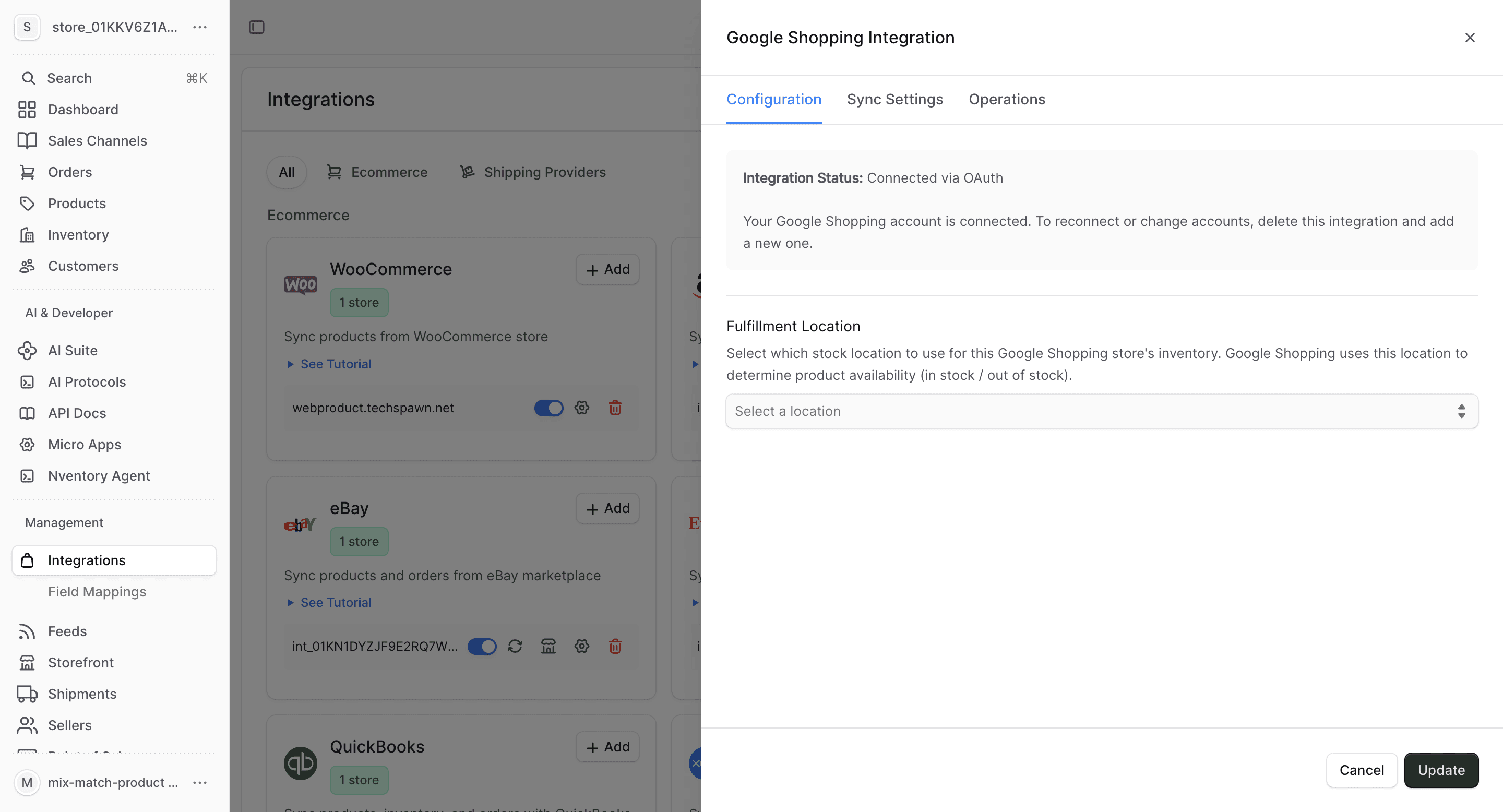
| Fulfillment Location | Select the Nventory stock location for this feed |
Click Save to connect.
Review Configuration
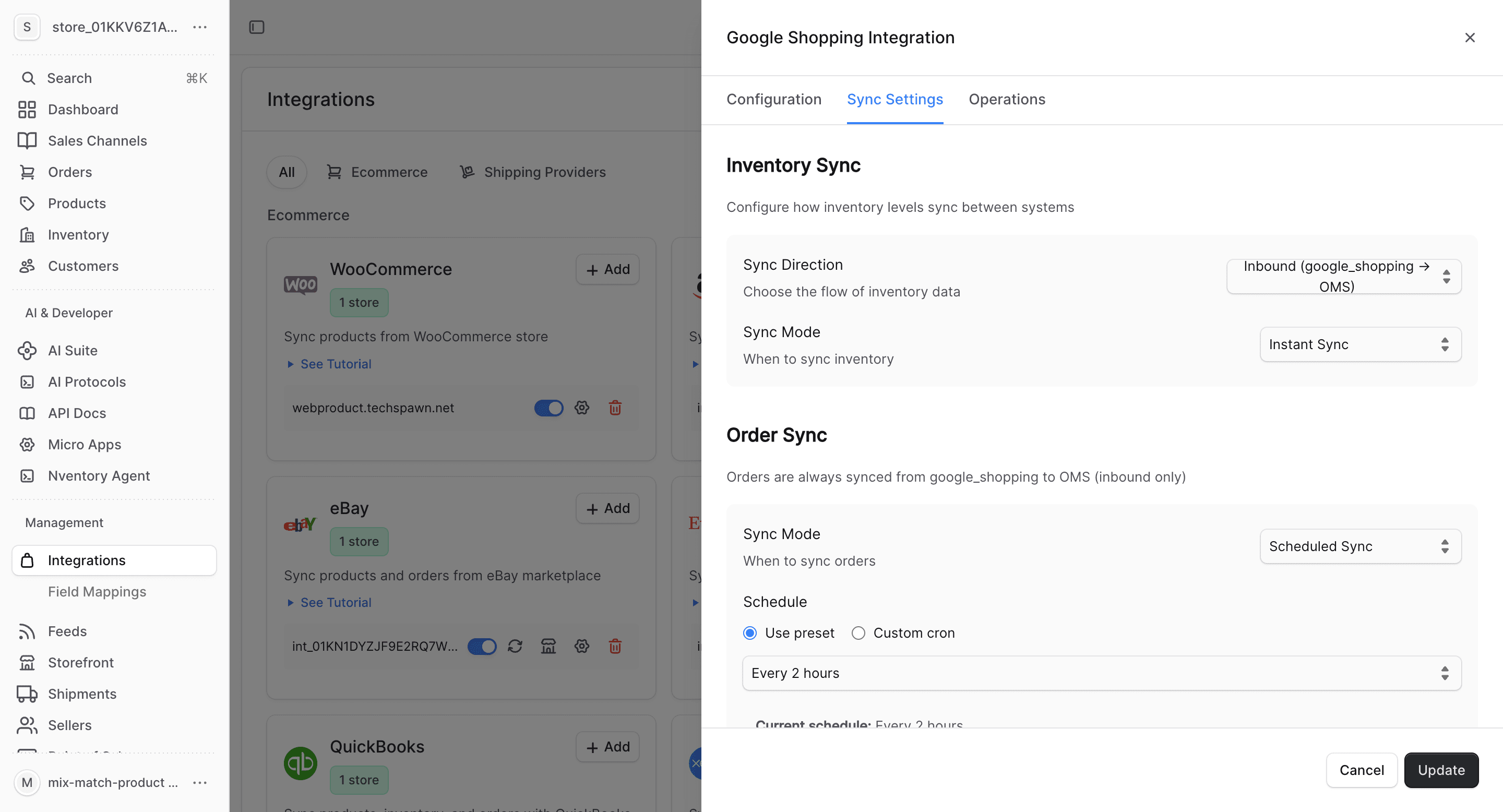
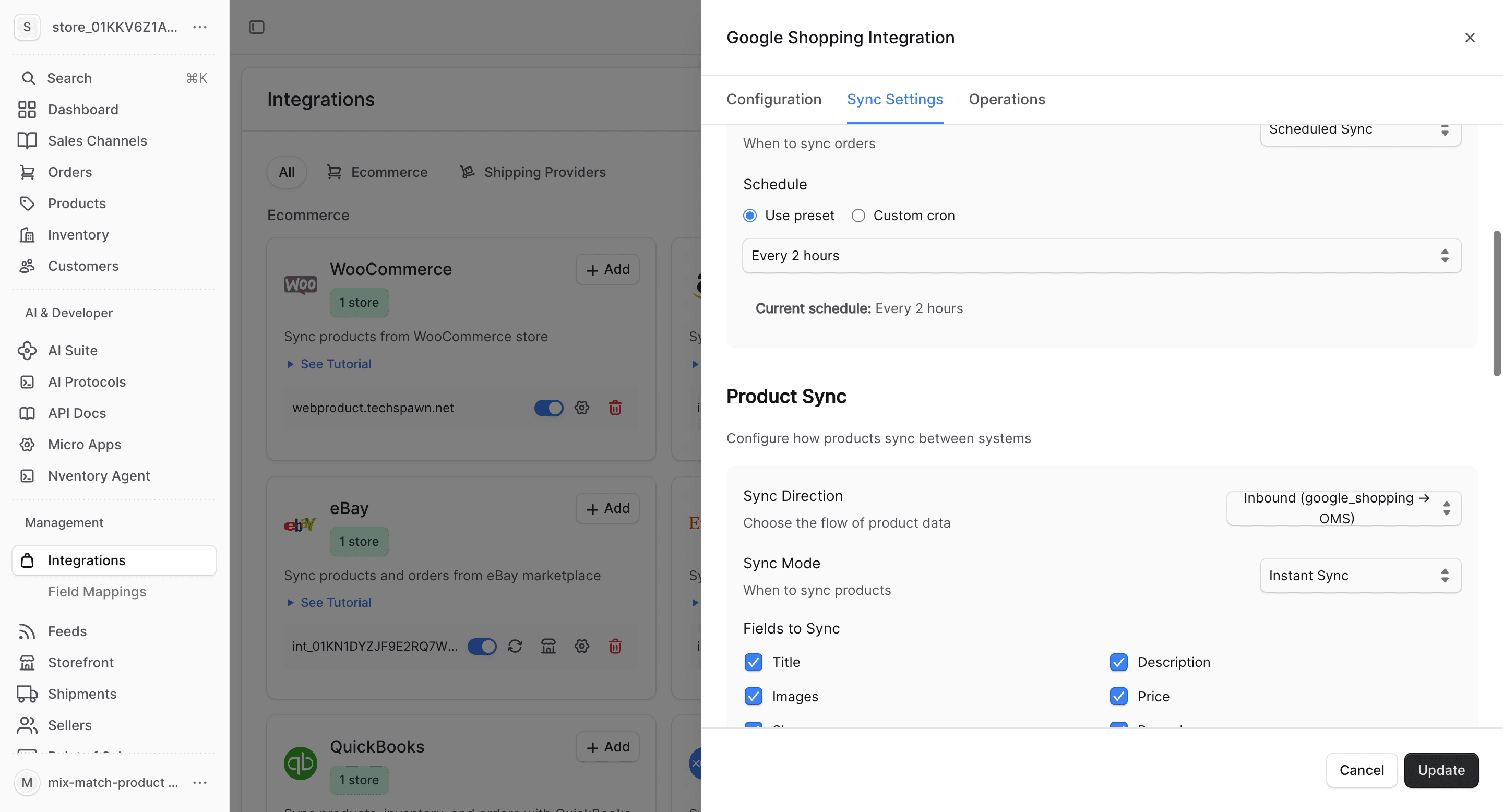
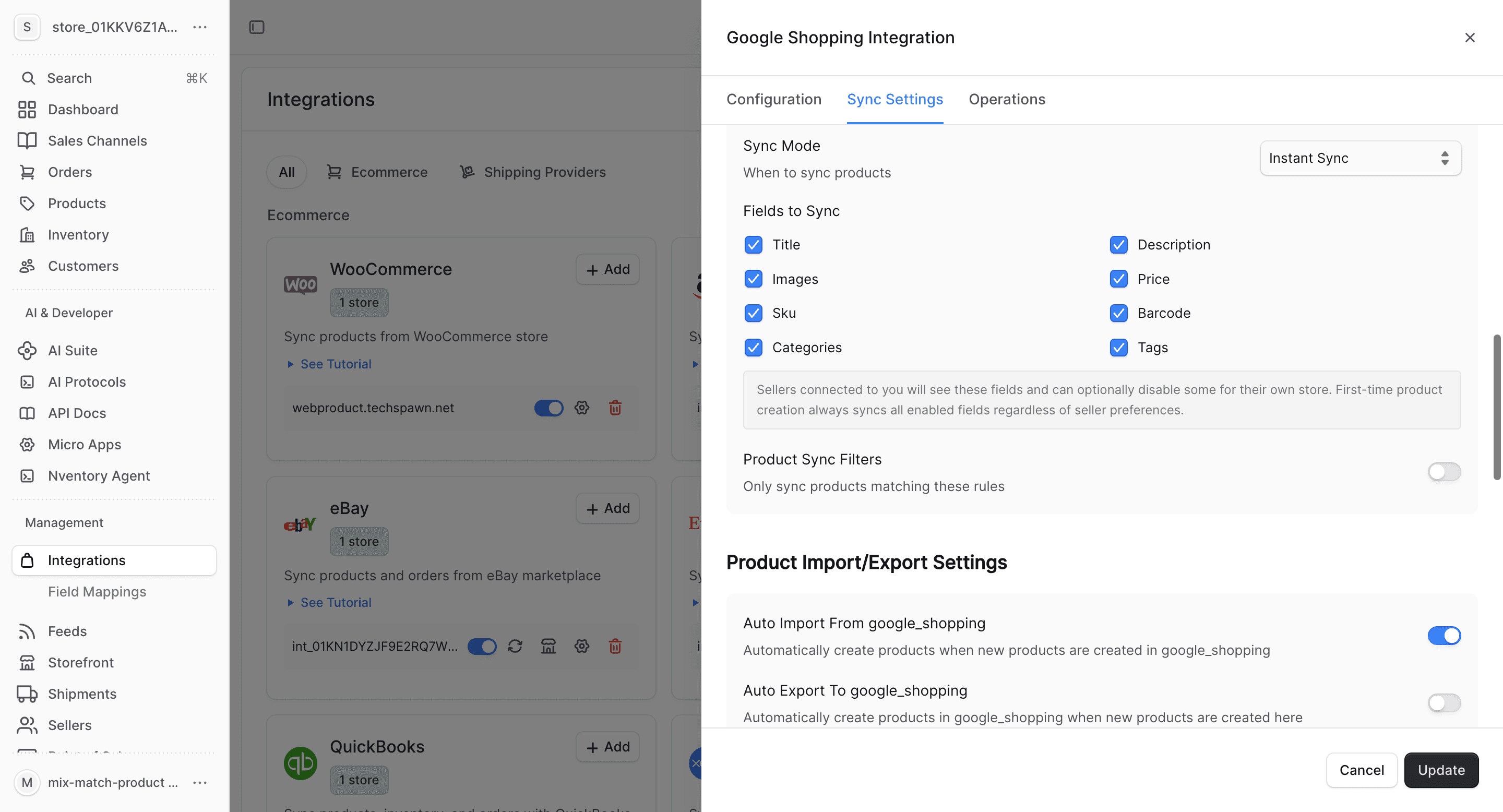
After saving, the Configuration tab shows your Merchant Center details and feed settings.
What Gets Synced
| Entity | Import | Export | Real-time |
|---|---|---|---|
| Products | No | Yes | Feed-based |
| Inventory | No | Yes | Feed-based |
| Orders | No | No | N/A |
| Customers | No | No | N/A |
Google Shopping is primarily an outbound (export) integration. Nventory generates a product feed that Google Merchant Center consumes. Orders from Google Shopping come through your connected e-commerce platform.
Bulk Operations
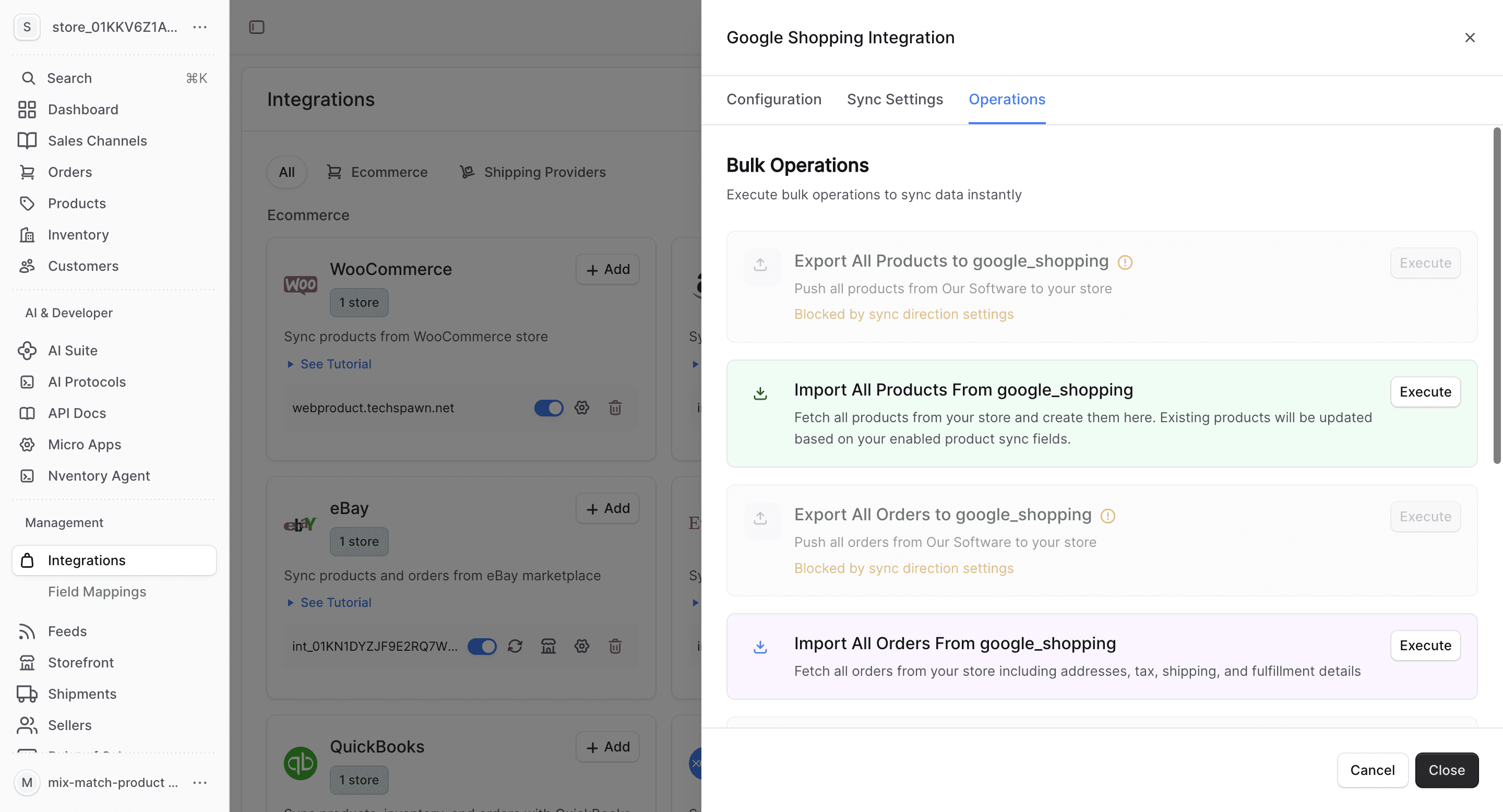
Use the Operations tab to manually trigger feed generation and sync.
Google Shopping-Specific Notes
- Nventory auto-generates a product feed in Google's required format
- Products must meet Google's product data specification requirements
- Feed updates are pushed on a schedule — configure the frequency in Sync Settings
- Ensure your products have valid GTINs, MPNs, or brand information for Google's requirements
- Free listings and paid Shopping ads both use the same product feed