Tally Prime Integration
Connect Tally Prime to Nventory using the desktop connector.
Connecting Tally Prime
Nventory connects to Tally Prime through a desktop connector that bridges your local Tally installation with Nventory's cloud platform.
Prerequisites
- Tally Prime installed and running on your local machine or server
- Tally's ODBC or API server enabled
- Network access between the connector and your Tally instance
Tally Prime runs as a desktop application. The Nventory connector communicates with Tally's local API server — ensure it's running and accessible.
Setup Steps
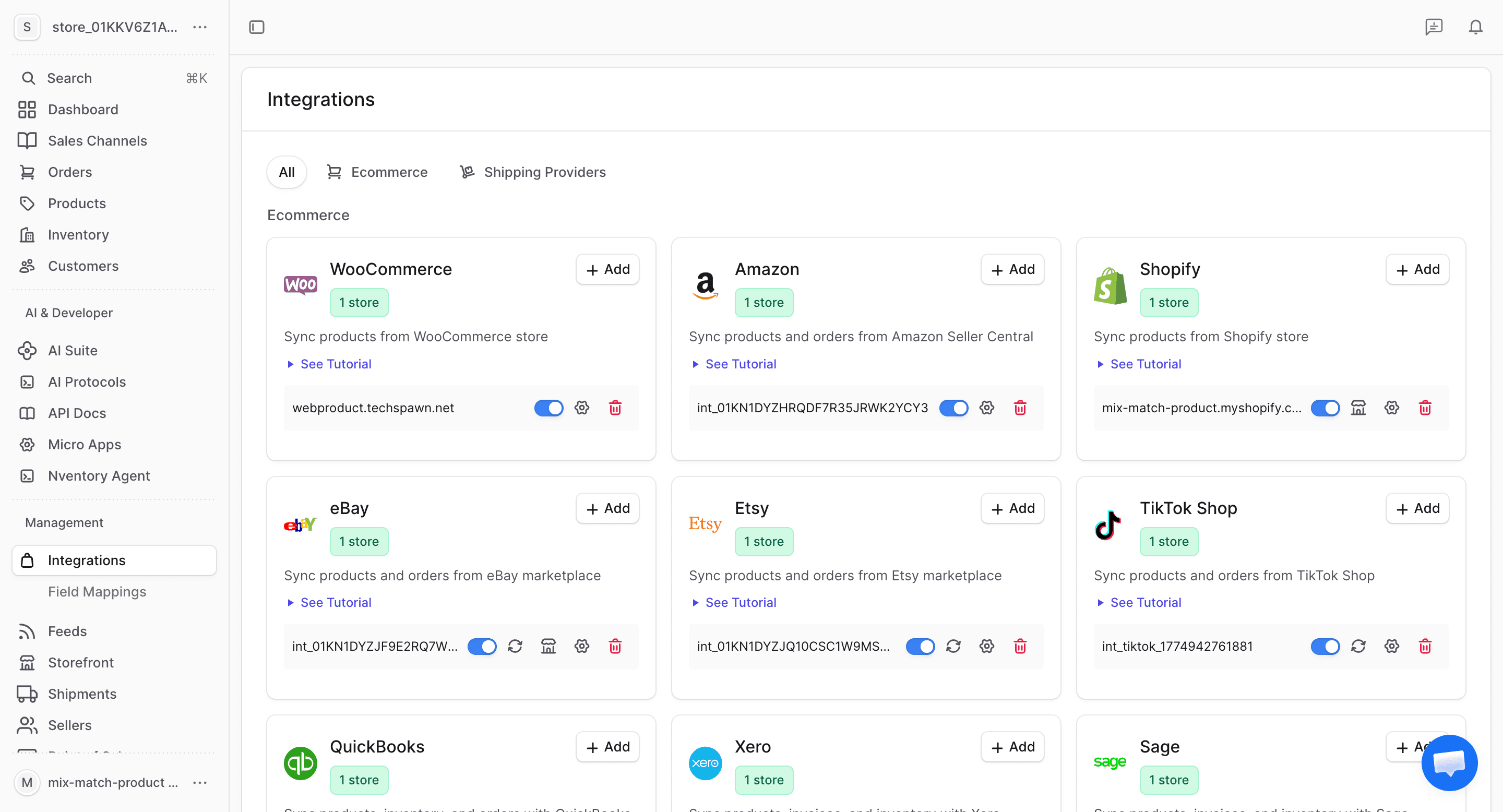
Navigate to Integrations
From your dashboard sidebar, click on Integrations to see all available platforms.
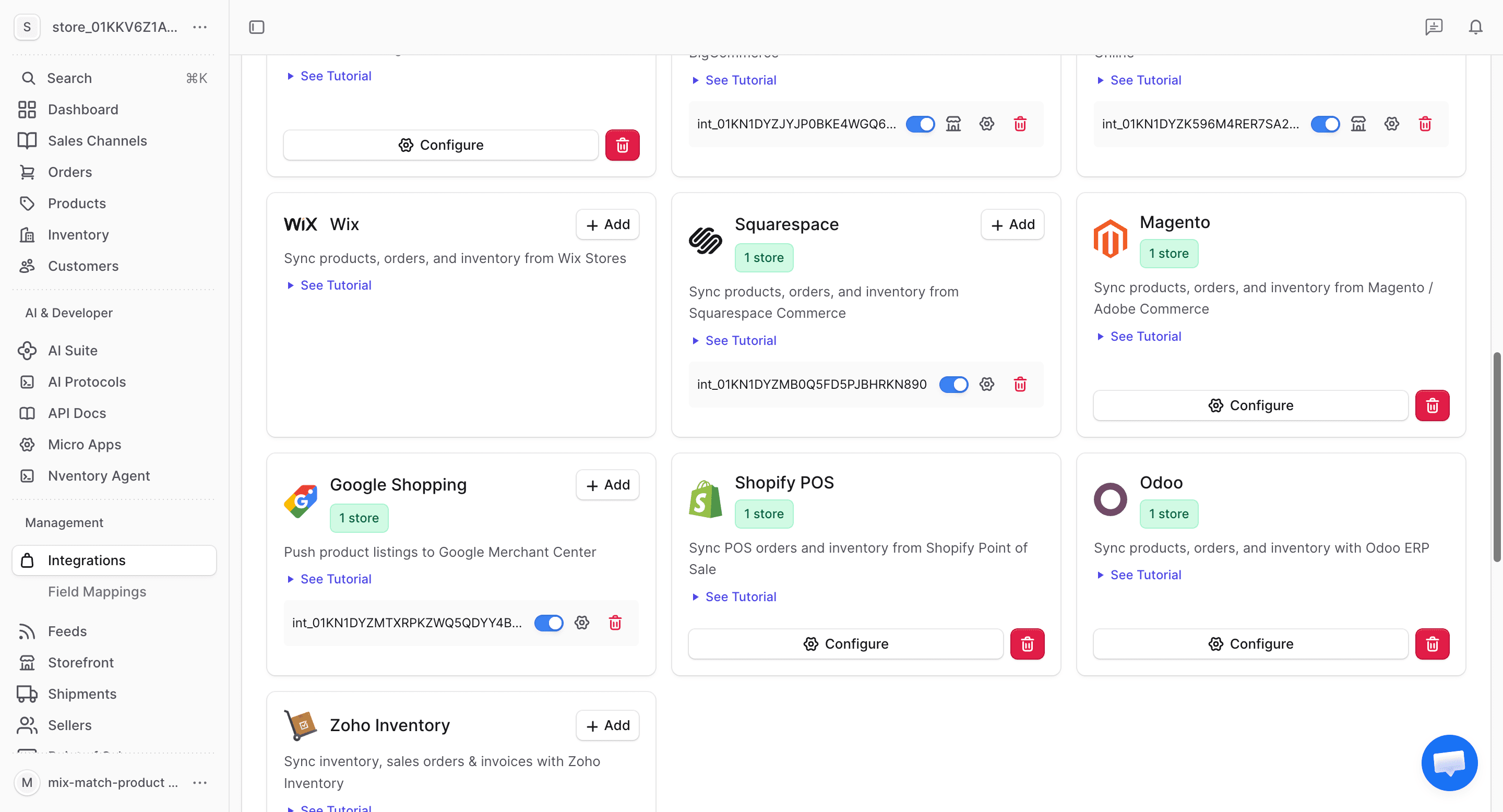
Click Add on Tally Prime
Find the Tally Prime card in the available integrations and click + Add to begin the setup.
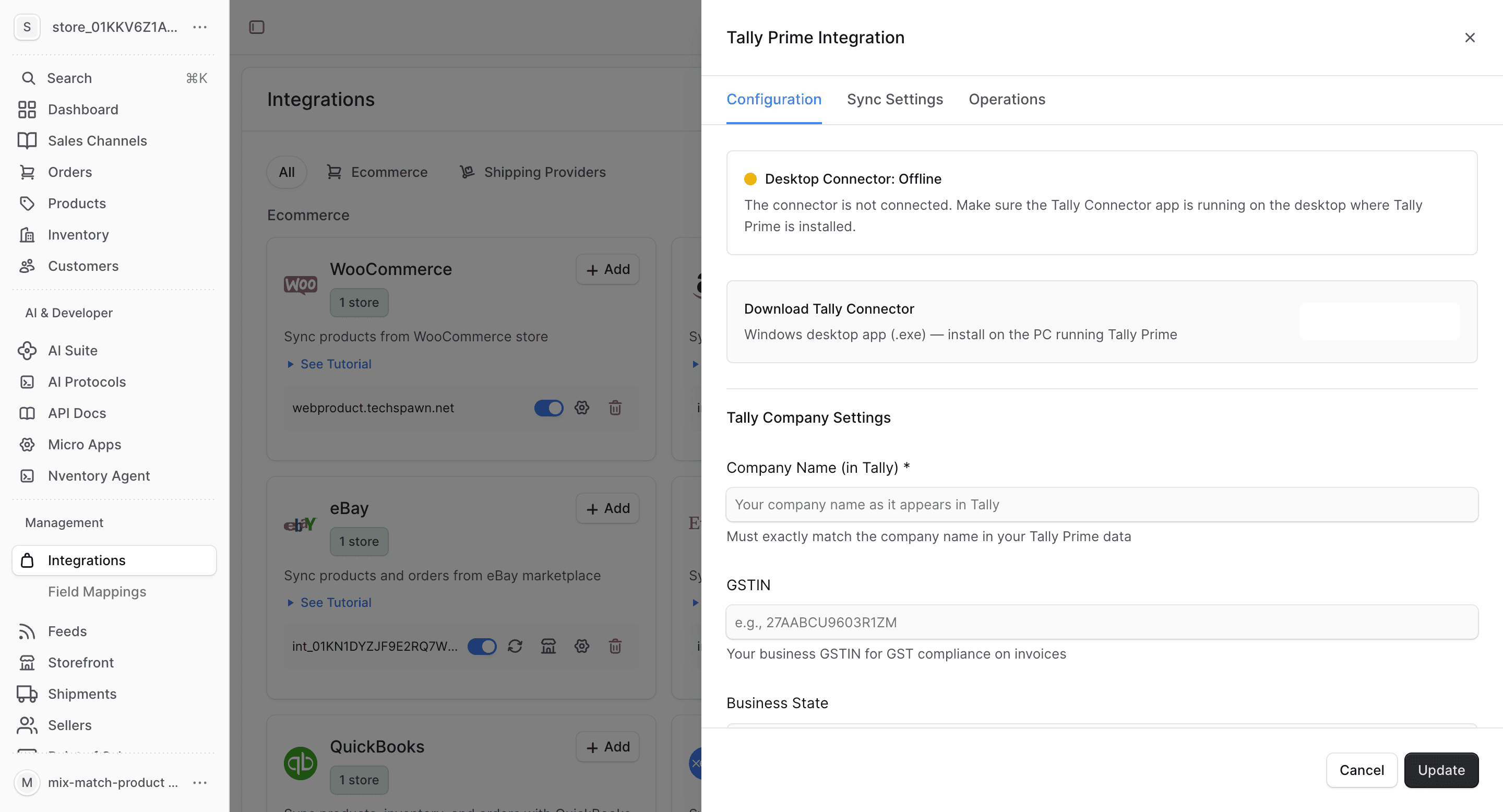
Configure Tally Connection
In the configuration dialog, enter your Tally connection details:
| Field | Description |
|---|---|
| Tally Host | The hostname or IP where Tally is running (e.g., localhost or 192.168.1.x) |
| Tally Port | Tally's API port (default: 9000) |
| Company Name | The Tally company to connect |
Click Save to connect.
Review Configuration
After saving, the Configuration tab shows your Tally connection details and ledger mapping settings.
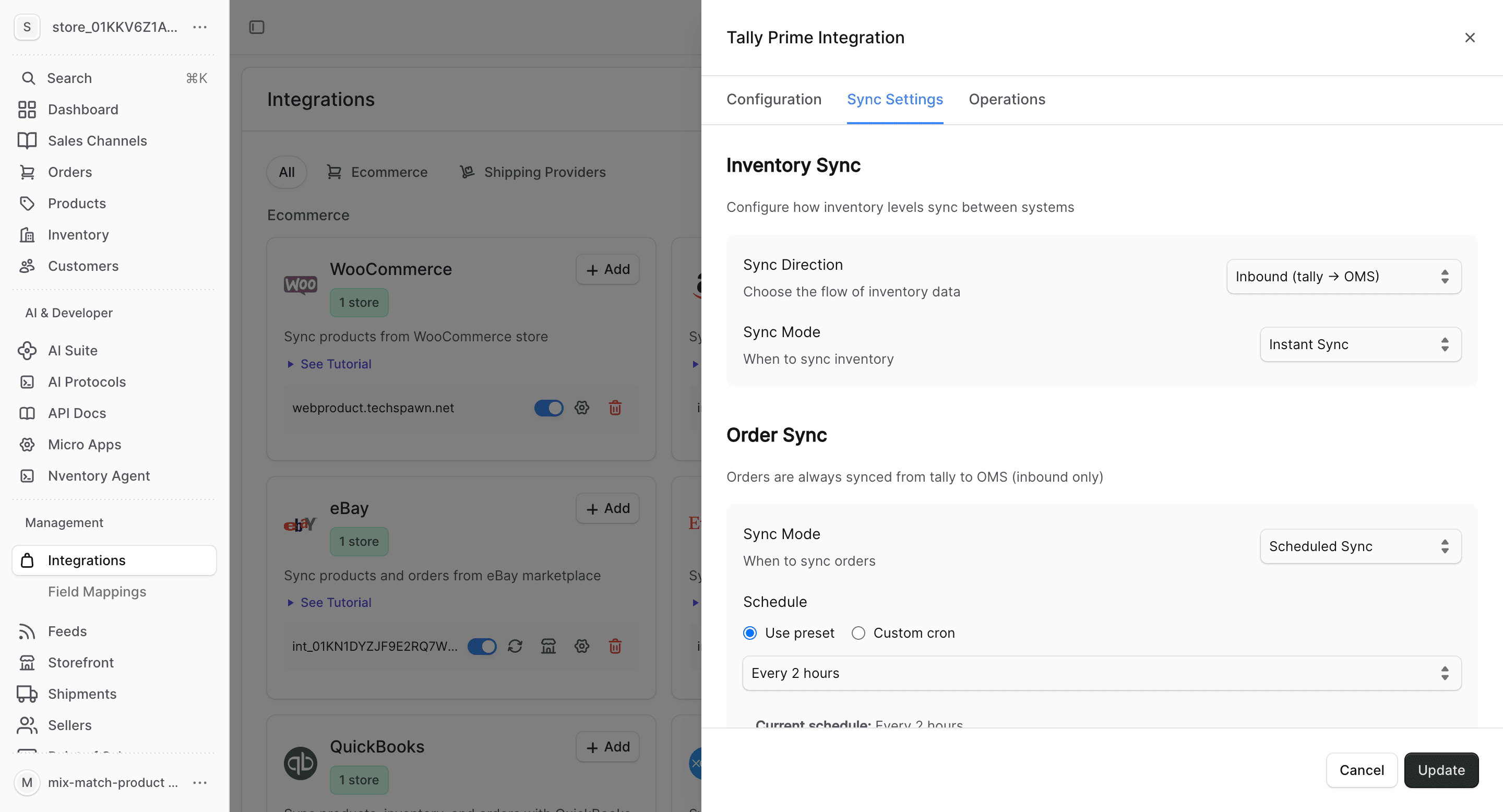
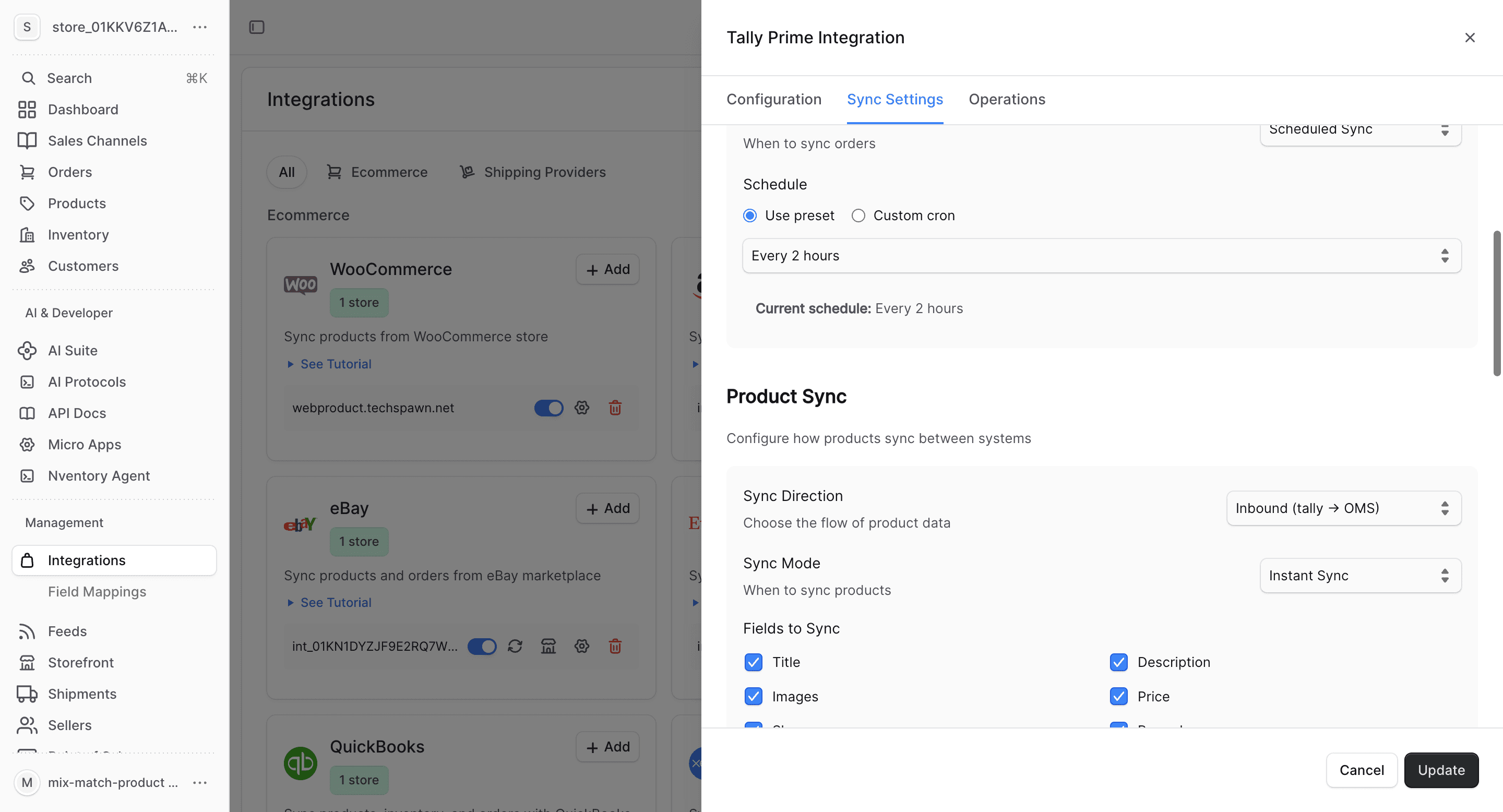
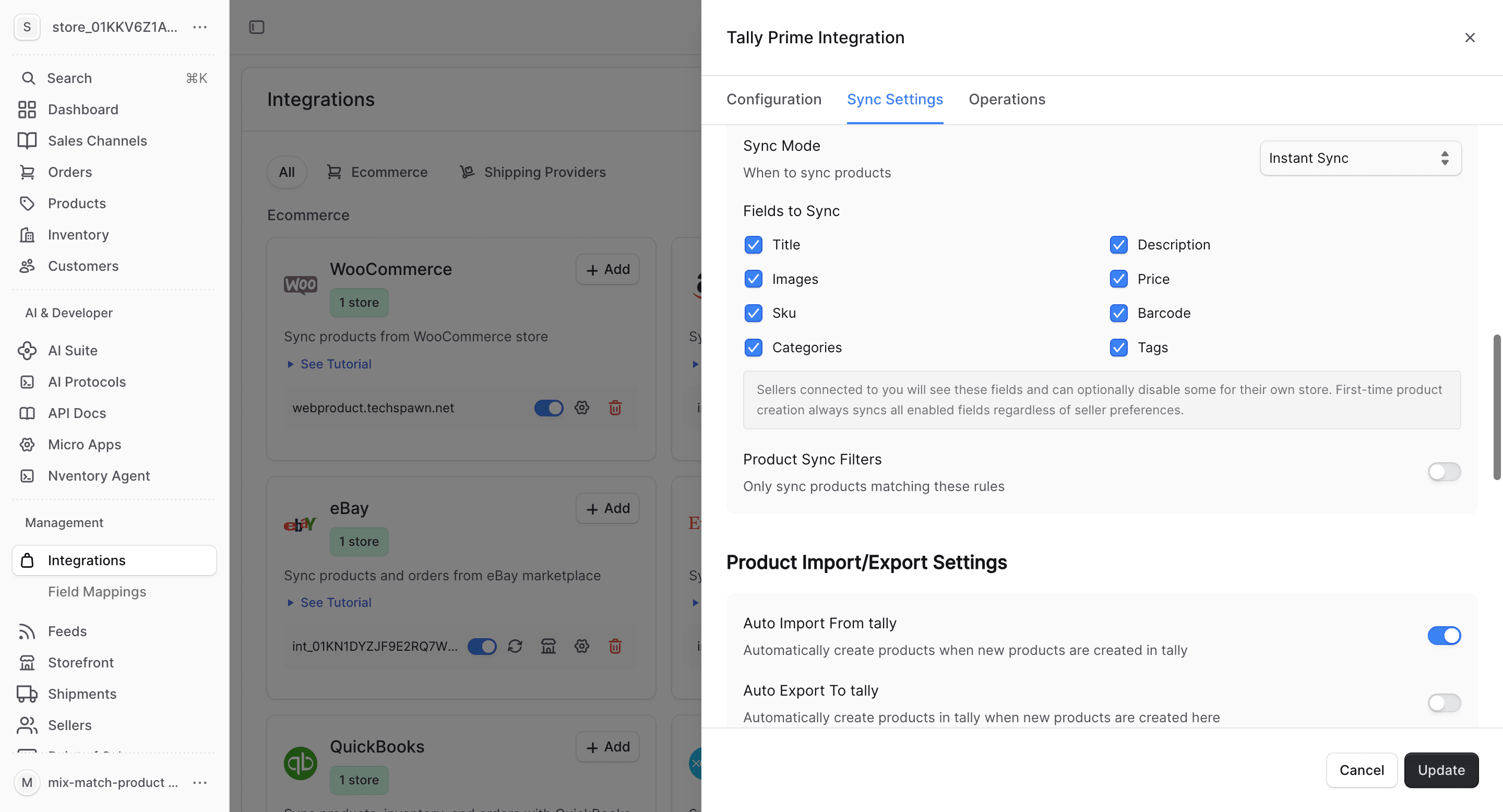
Configure Product Fields
Choose which product fields to sync and set up auto-import/export preferences.
What Gets Synced
| Entity | Import | Export | Real-time |
|---|---|---|---|
| Products | Yes | Yes | Via polling |
| Inventory | Yes | Yes | Via polling |
| Orders | Yes | Yes | Via polling |
| Customers | Yes | Yes | Via polling |
Tally Prime uses polling-based sync since it's a desktop application without webhook support. Configure the polling interval in Sync Settings.
Bulk Operations
Use the Operations tab for one-time bulk imports and manual syncing.
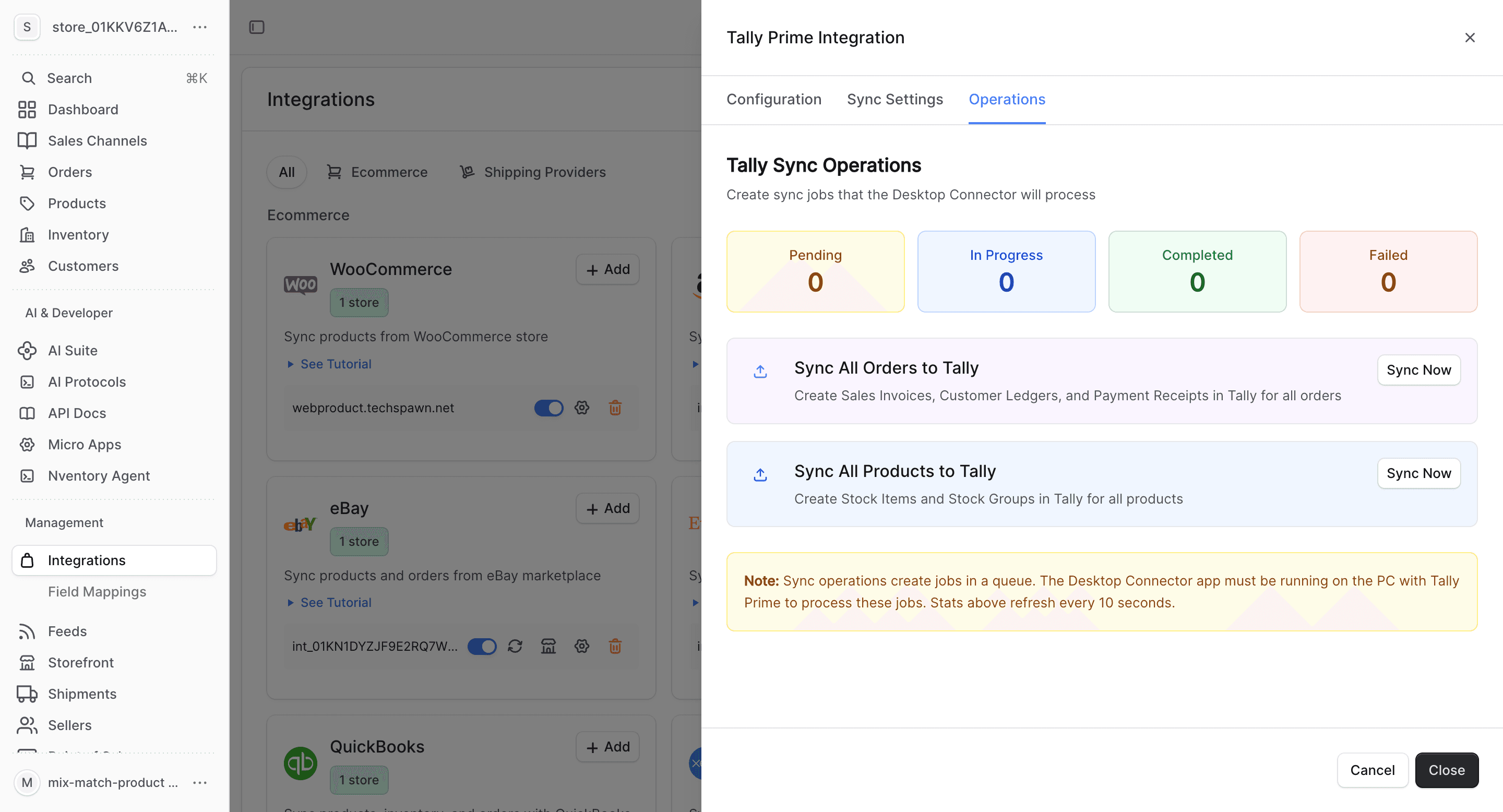
- Import All Orders — fetch all vouchers from Tally
- Sync Inventory — update all stock quantities
- Import All Customers — fetch ledger entries (customers)
Tally Prime-Specific Notes
- Tally stock items map to Nventory products
- Tally stock groups map to Nventory product categories
- Sales vouchers in Tally map to Nventory orders
- Tally ledger entries (debtors) map to Nventory customers
- Godowns (Tally's term for warehouses) map to Nventory stock locations
- GST and tax information is preserved during sync
- Ensure Tally is running when sync is scheduled — the connector cannot sync if Tally is closed