QuickBooks Integration
Connect QuickBooks Online to Nventory for accounting and inventory sync.
Connecting QuickBooks Online
Nventory connects to QuickBooks Online through OAuth, syncing products, inventory, customers, and financial data between both platforms.
Prerequisites
- A QuickBooks Online account (Simple Start, Essentials, or Plus)
- Admin access to your QuickBooks company
Setup Steps
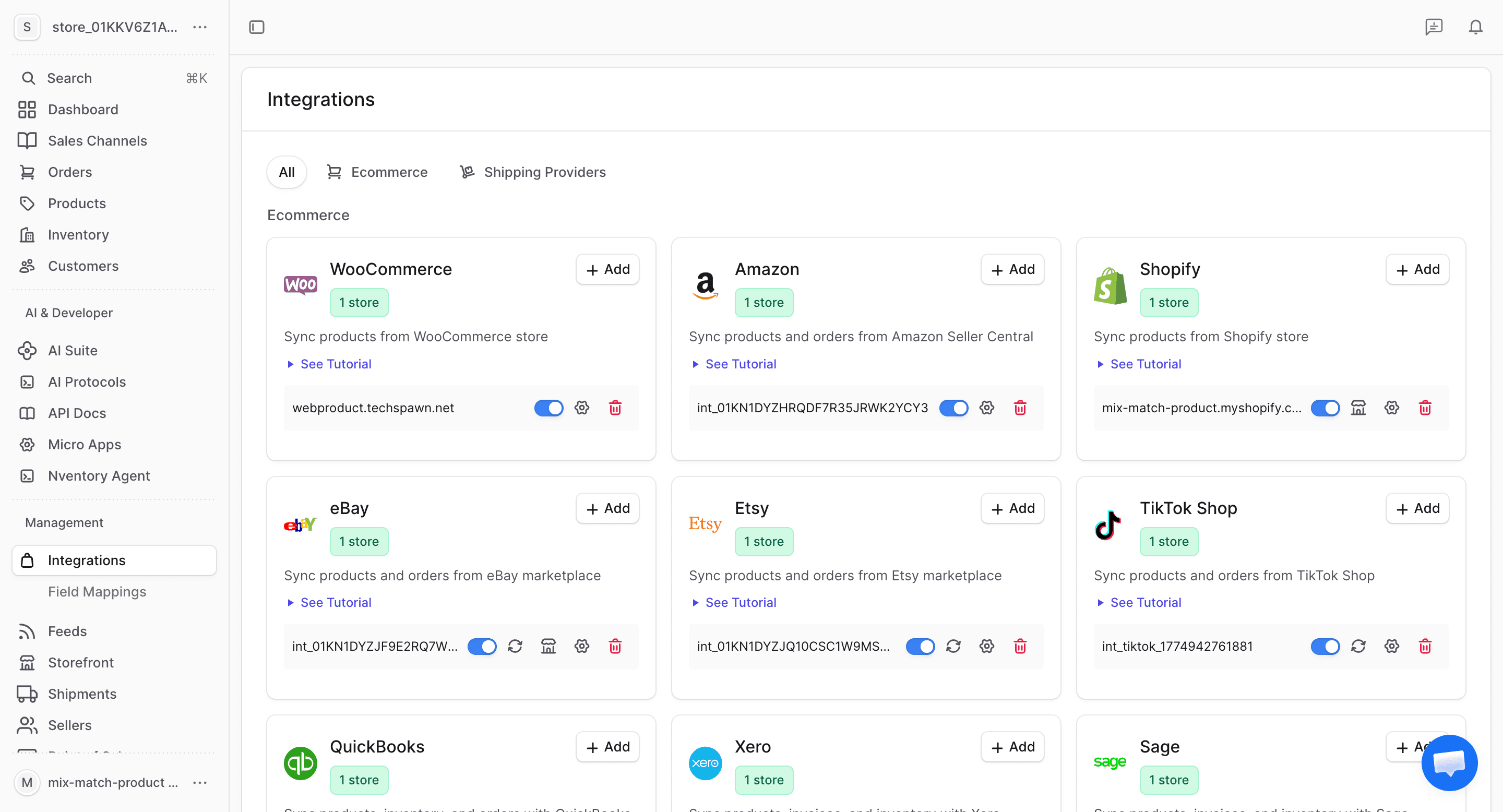
Navigate to Integrations
From your dashboard sidebar, click on Integrations to see all available platforms.
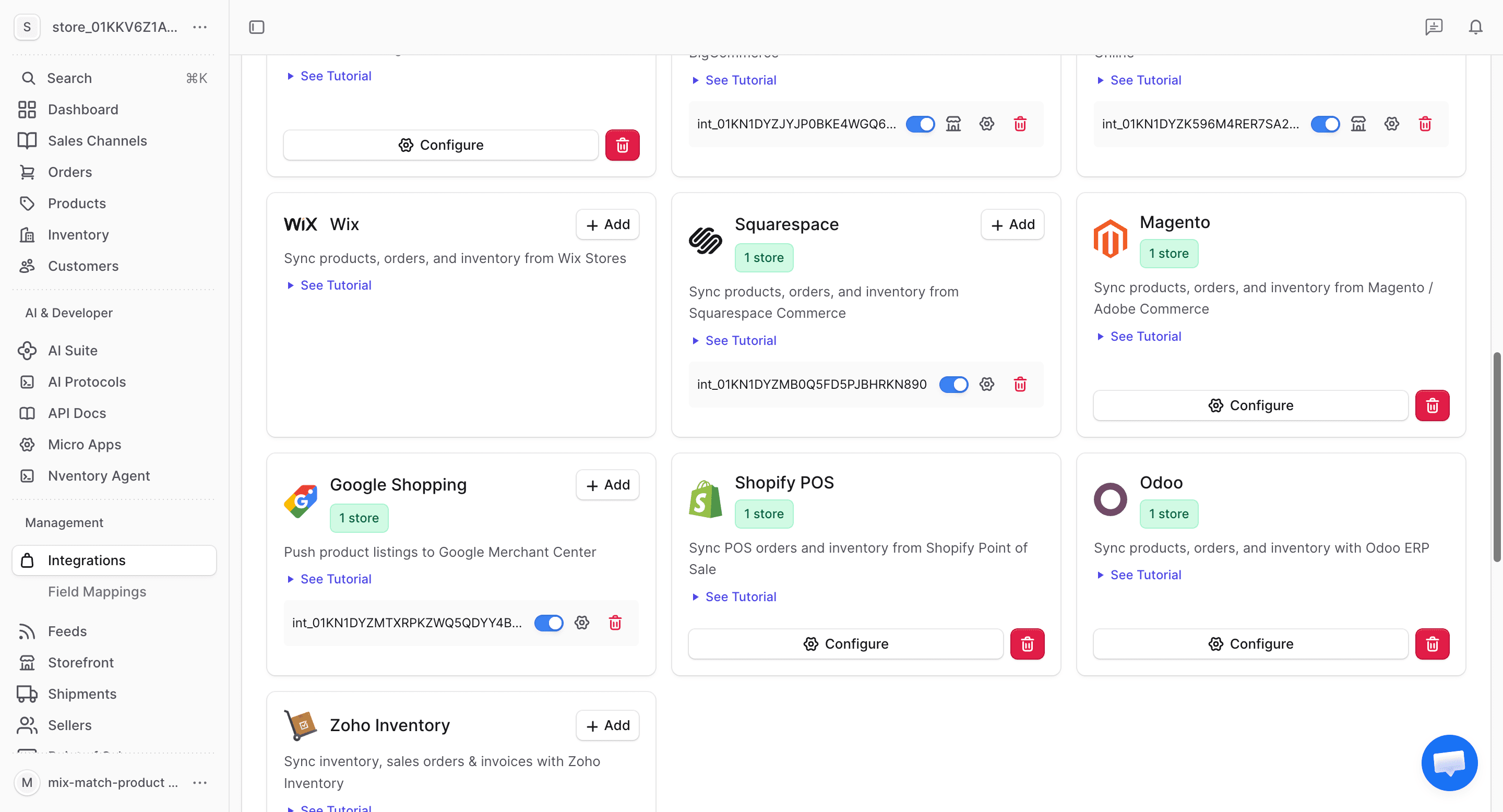
Click Add on QuickBooks
Find the QuickBooks card in the available integrations and click + Add to begin connecting.
Authorize on QuickBooks
You'll be redirected to Intuit's authorization page. Sign in with your QuickBooks credentials and select the company you want to connect. Grant Nventory the required permissions.
Click Connect to authorize.
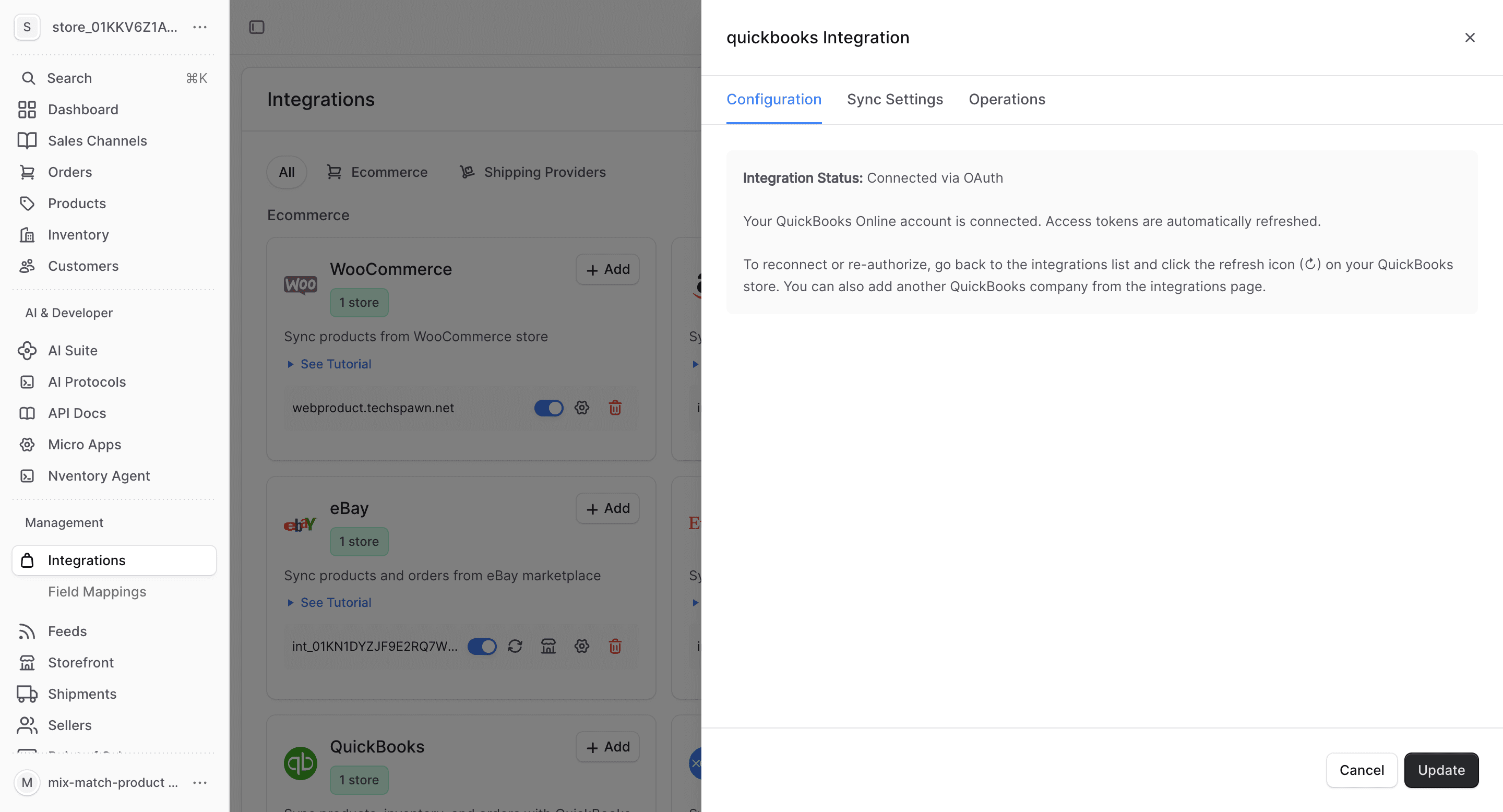
Review Configuration
After authorization, the Configuration tab shows your connected QuickBooks company details.
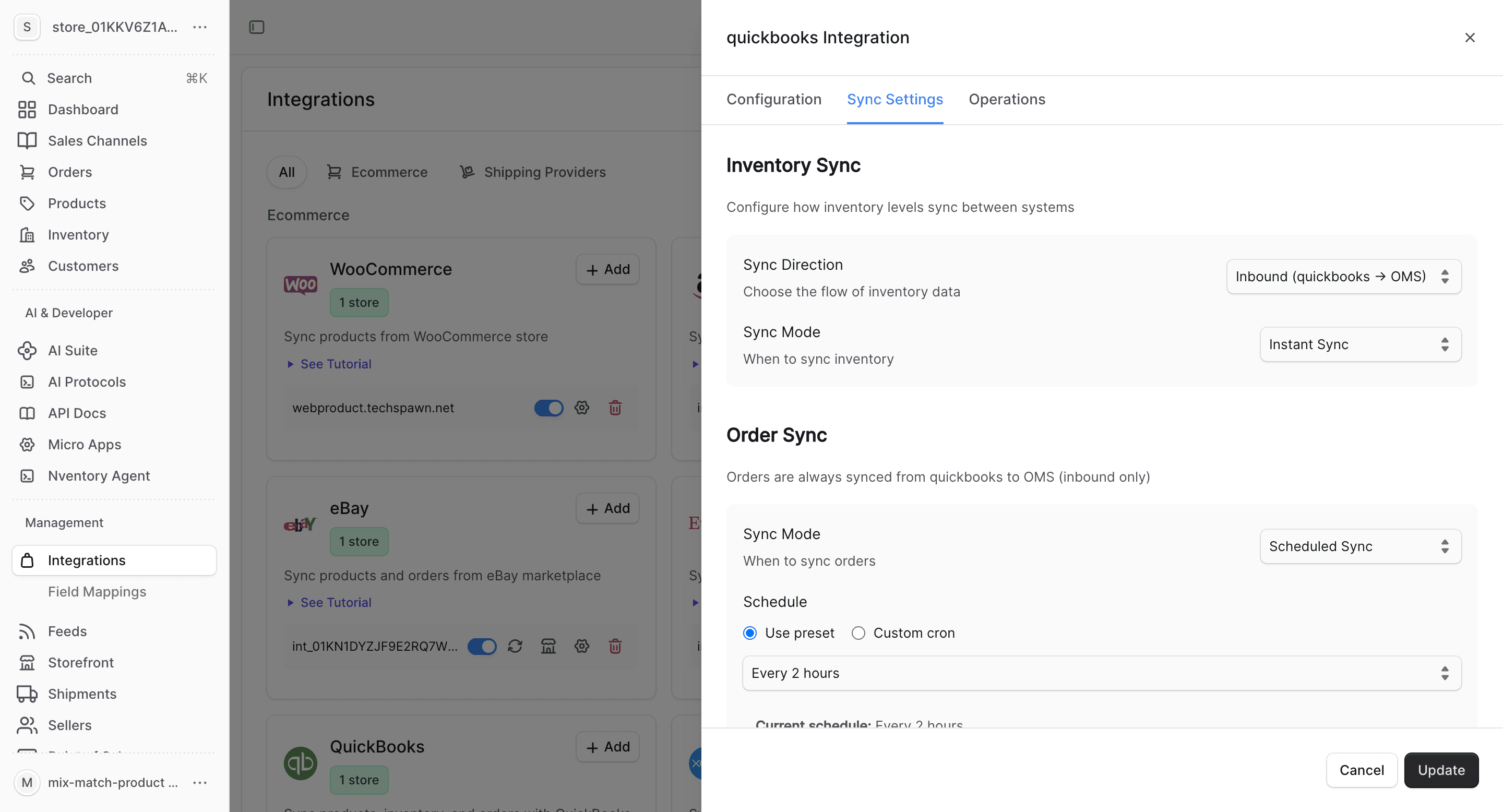
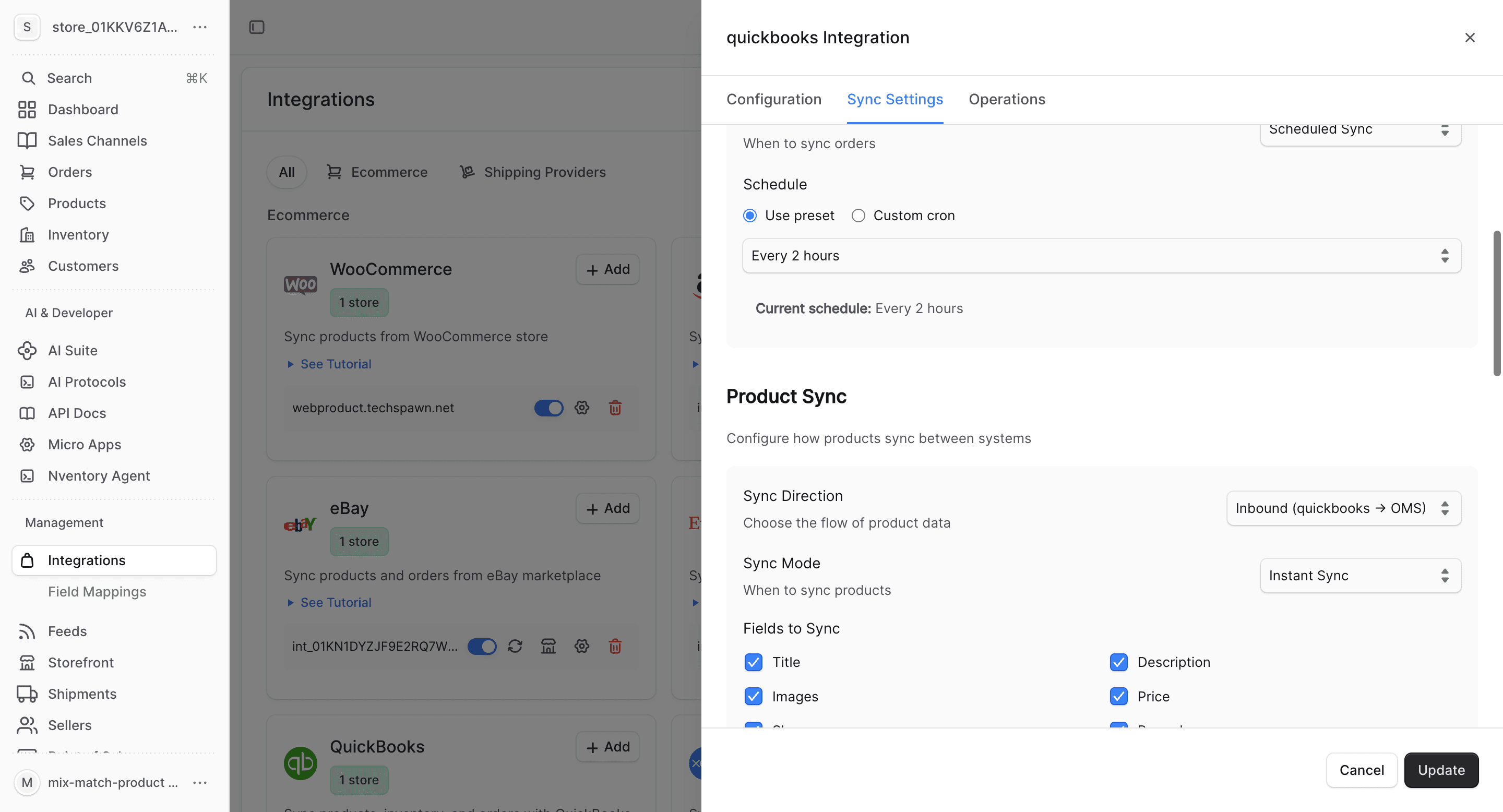
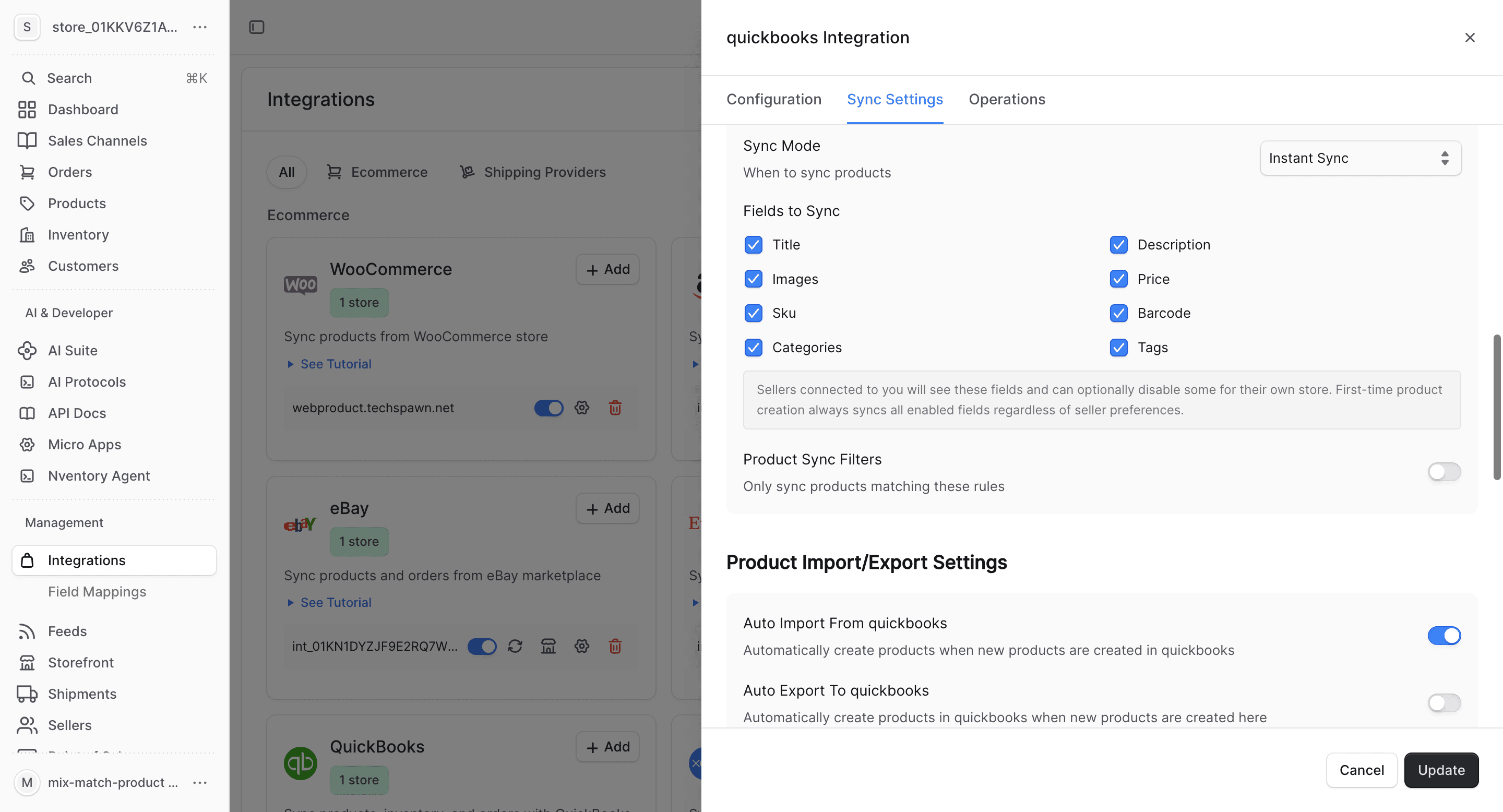
Configure Product Fields
Choose which product fields to sync and set up auto-import/export preferences.
What Gets Synced
| Entity | Import | Export | Real-time |
|---|---|---|---|
| Products | Yes | Yes | Webhook-driven |
| Inventory | Yes | Yes | Webhook-driven |
| Orders | Yes | Yes | Webhook-driven |
| Customers | Yes | Yes | Webhook-driven |
Bulk Operations
Use the Operations tab for one-time bulk imports and manual syncing.
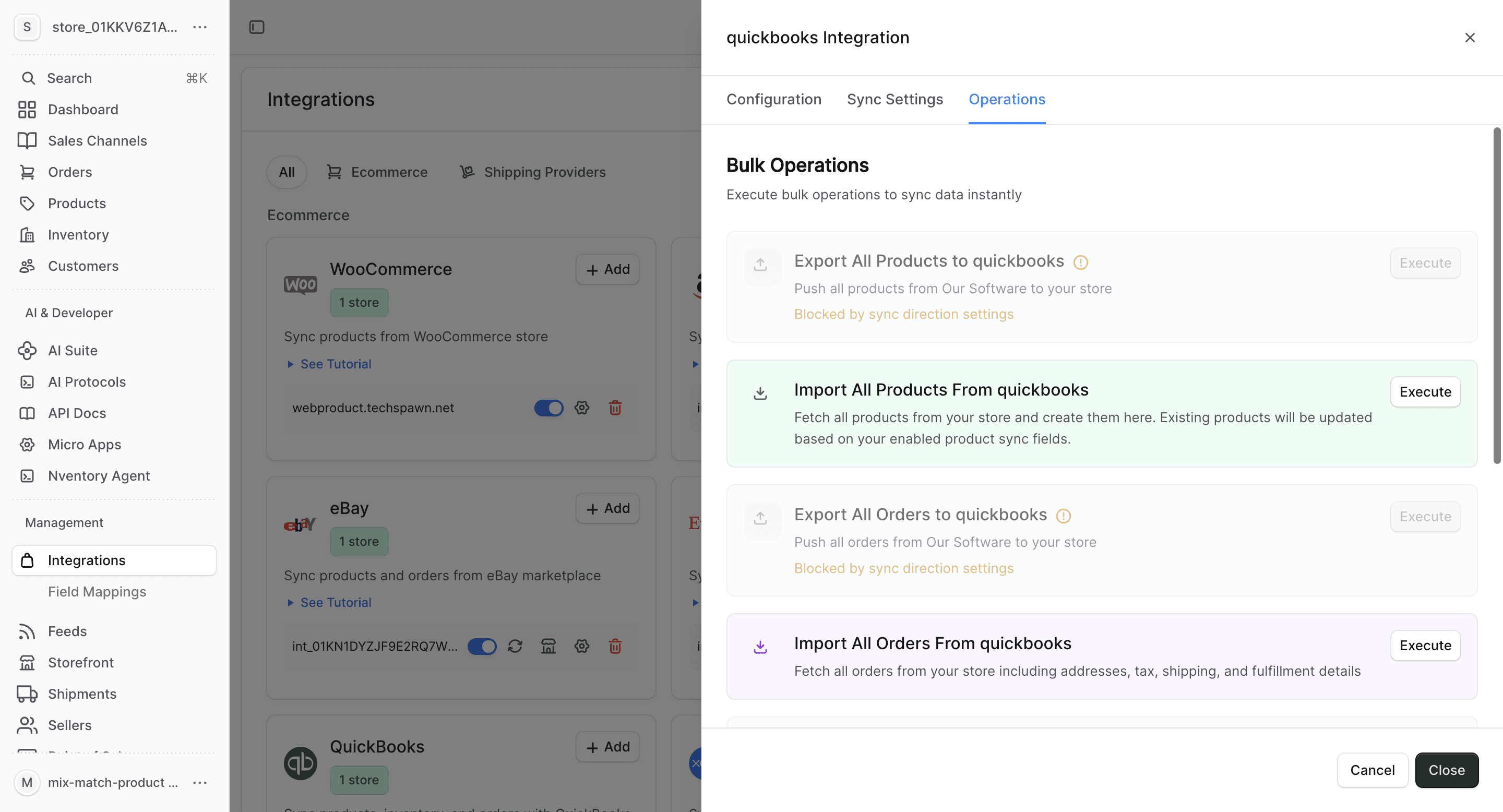
- Import All Orders — fetch all invoices/sales from QuickBooks
- Sync Inventory — update all stock quantities
- Import All Customers — fetch customer data
- Export All Customers — push Nventory customers to QuickBooks
QuickBooks-Specific Notes
- QuickBooks items (products and services) map to Nventory products
- Sales receipts and invoices map to Nventory orders
- Inventory tracking must be enabled in QuickBooks for stock sync to work
- QuickBooks categories map to Nventory product categories
- Multi-currency support follows your QuickBooks company settings
QuickBooks OAuth tokens auto-refresh. If your connection is interrupted, re-authorize from the Integrations page — your sync settings are preserved.